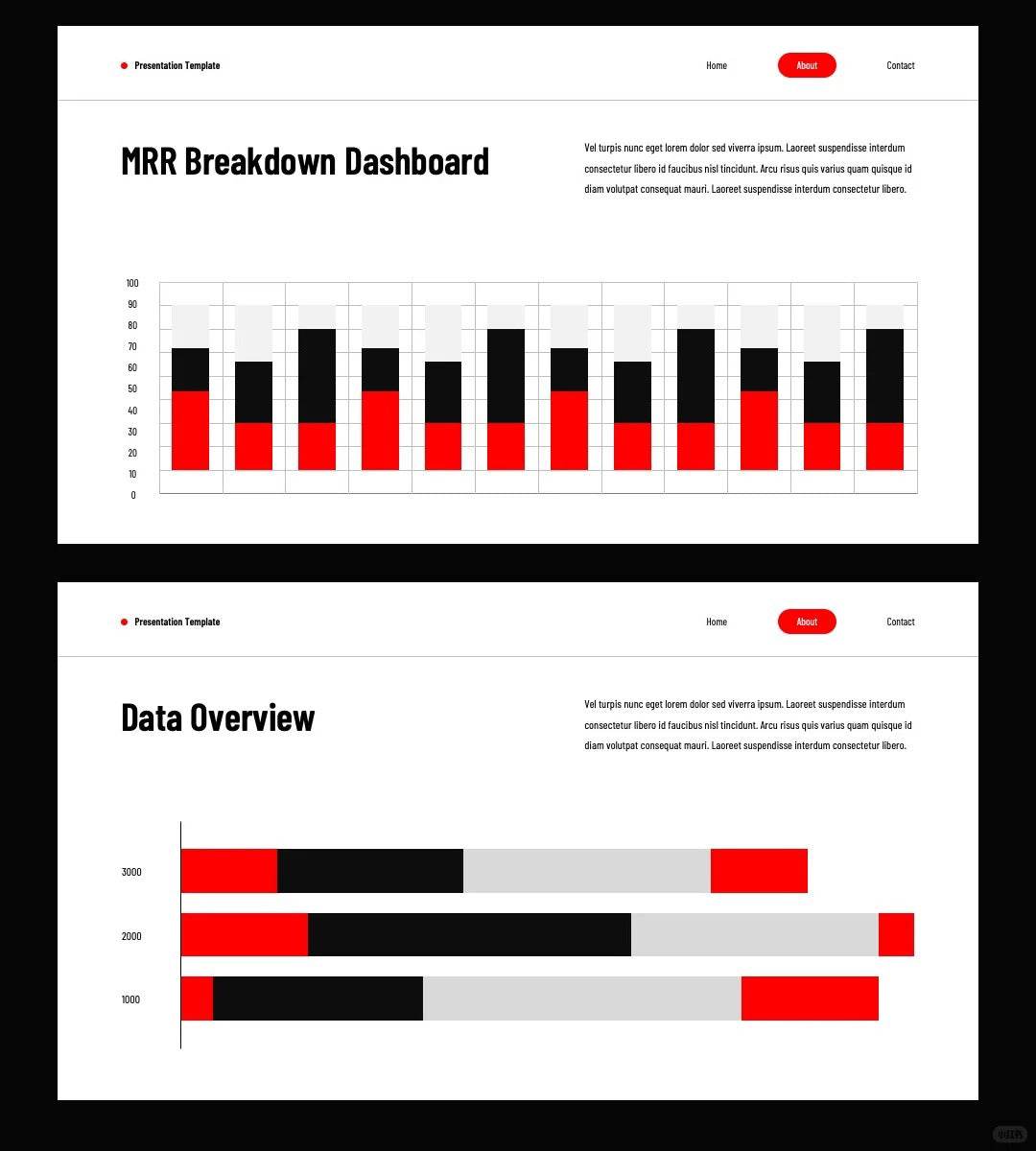
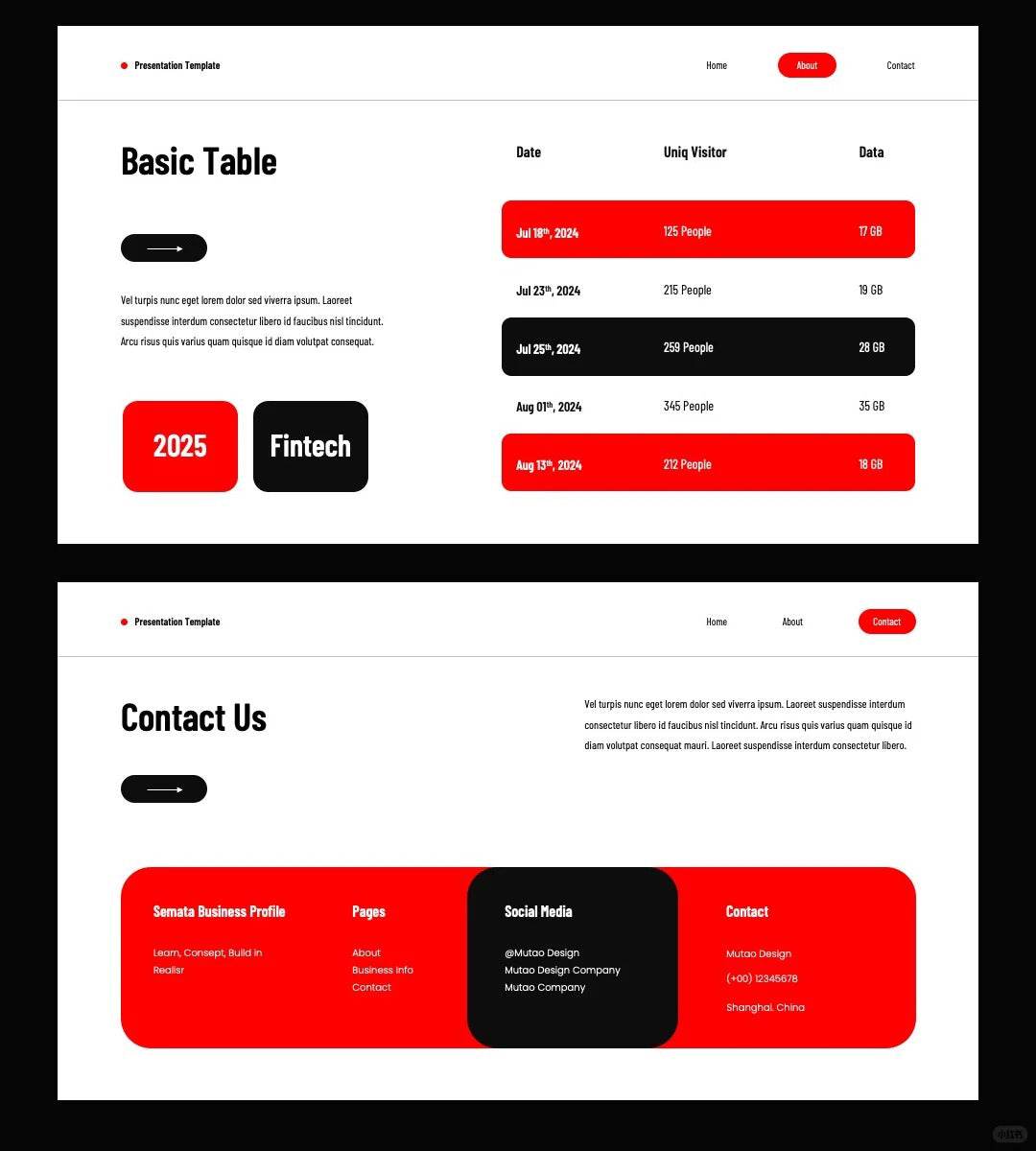
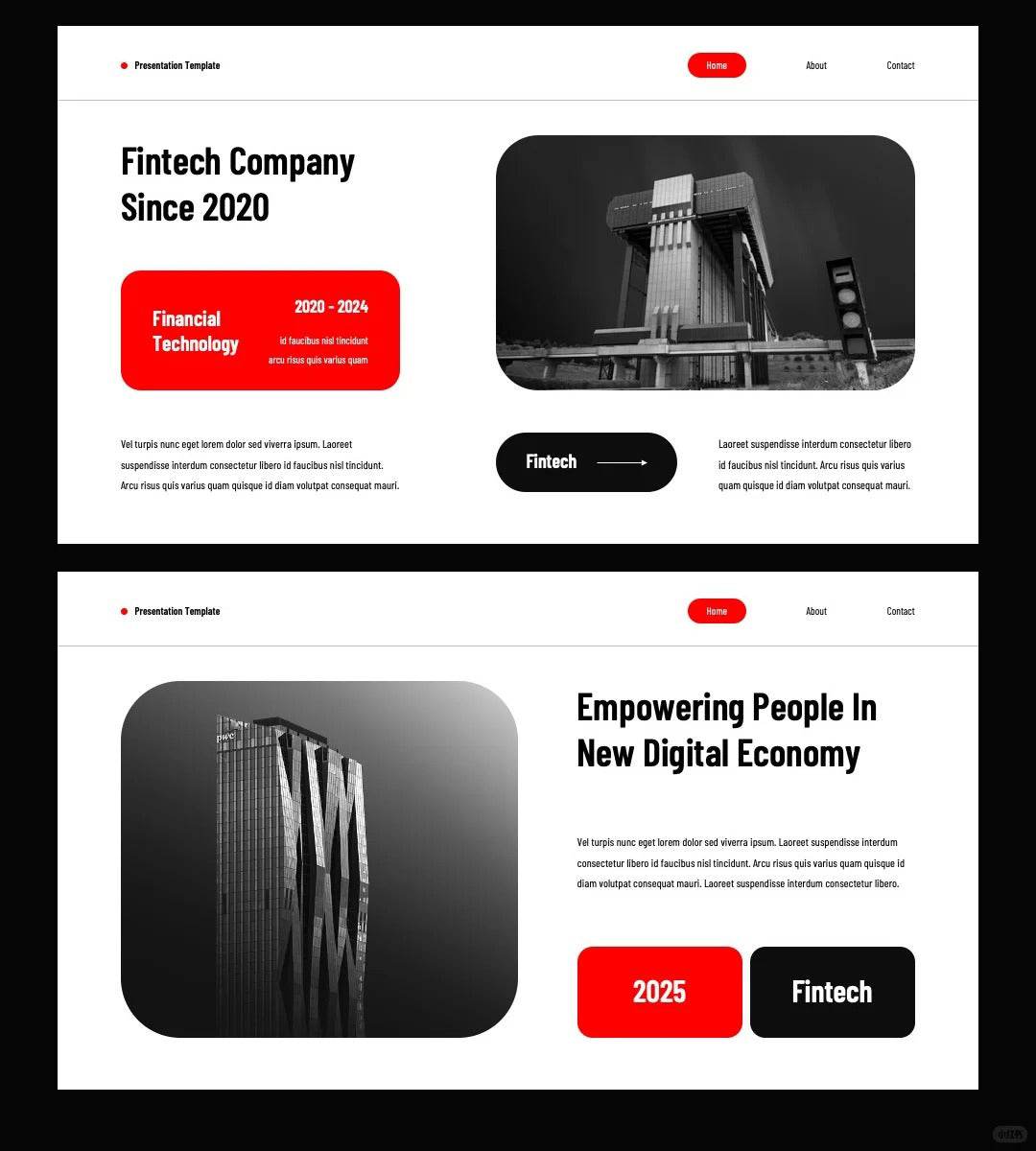
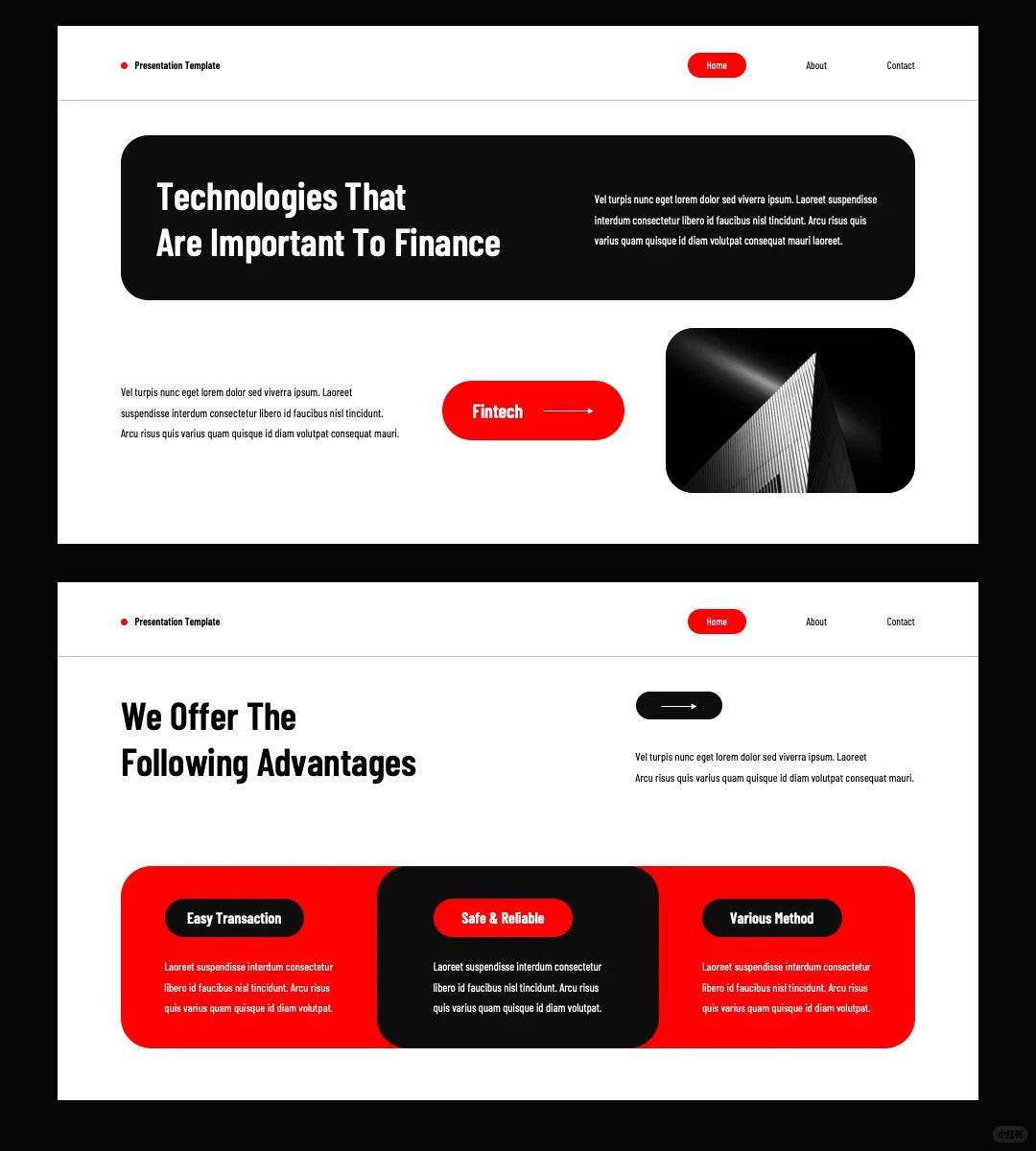
1059 Red and black color PPT & Keynote template - whaledesign

1059 Red and black color PPT & Keynote template

$1.90
0 sold
Limited time offer 20% OFF
00
Days
00
Hours
00
Min
00
Sec

After placing an order, you can obtain resources from the following points.

1. Get the download link from the thanks page.

2. The download link will be automatically sent to your email address.

3. Get the download link from your personal email information page.

4. Get the download link from the resource library.

1. Subscribe

2. View the link on the payment success page

3. Register an account and join the resource library

4. Enjoy unlimited downloads forever

Digital product PPT 4MB
Format: PowerPoint, Keynote

【Color Matching】
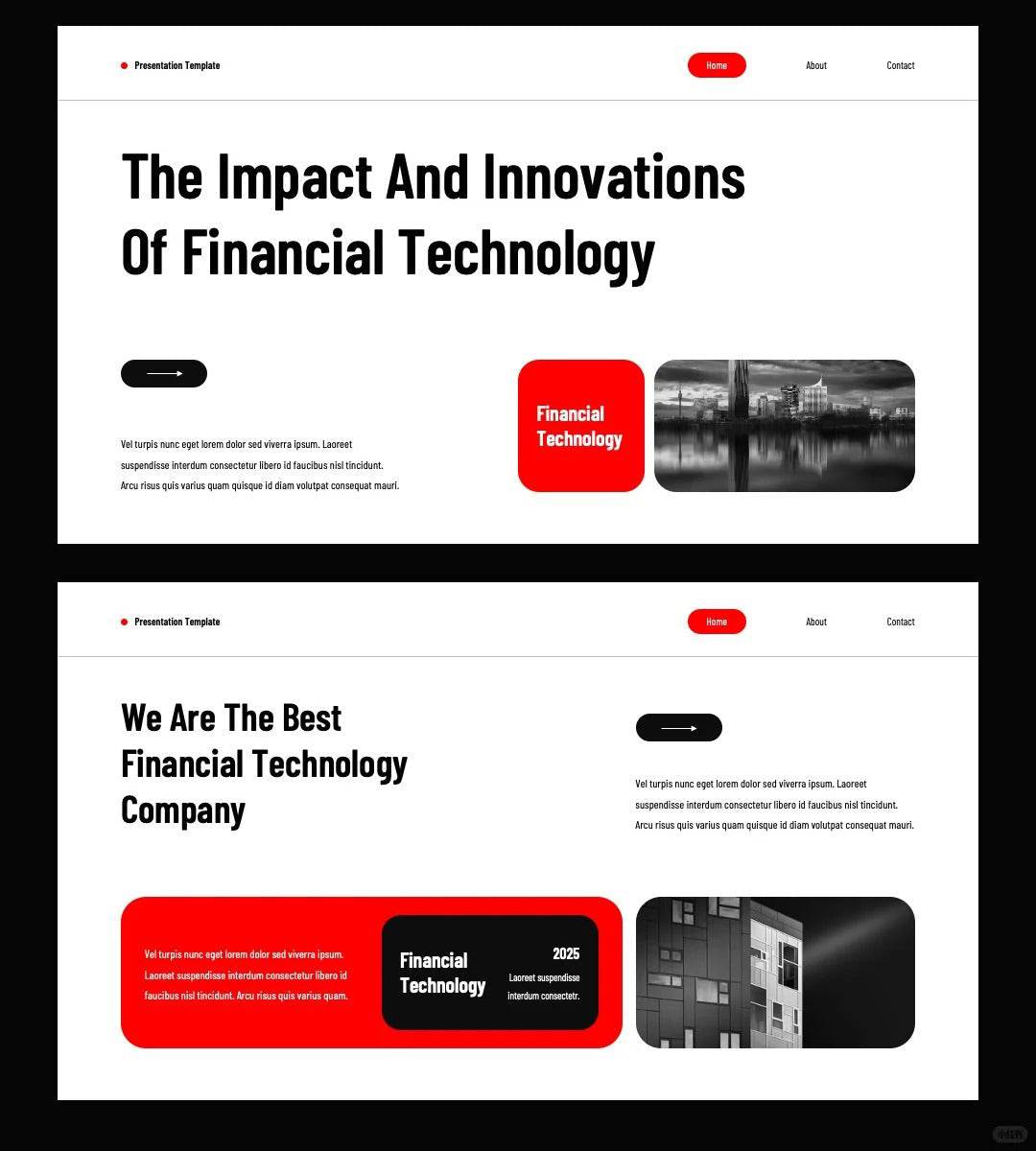
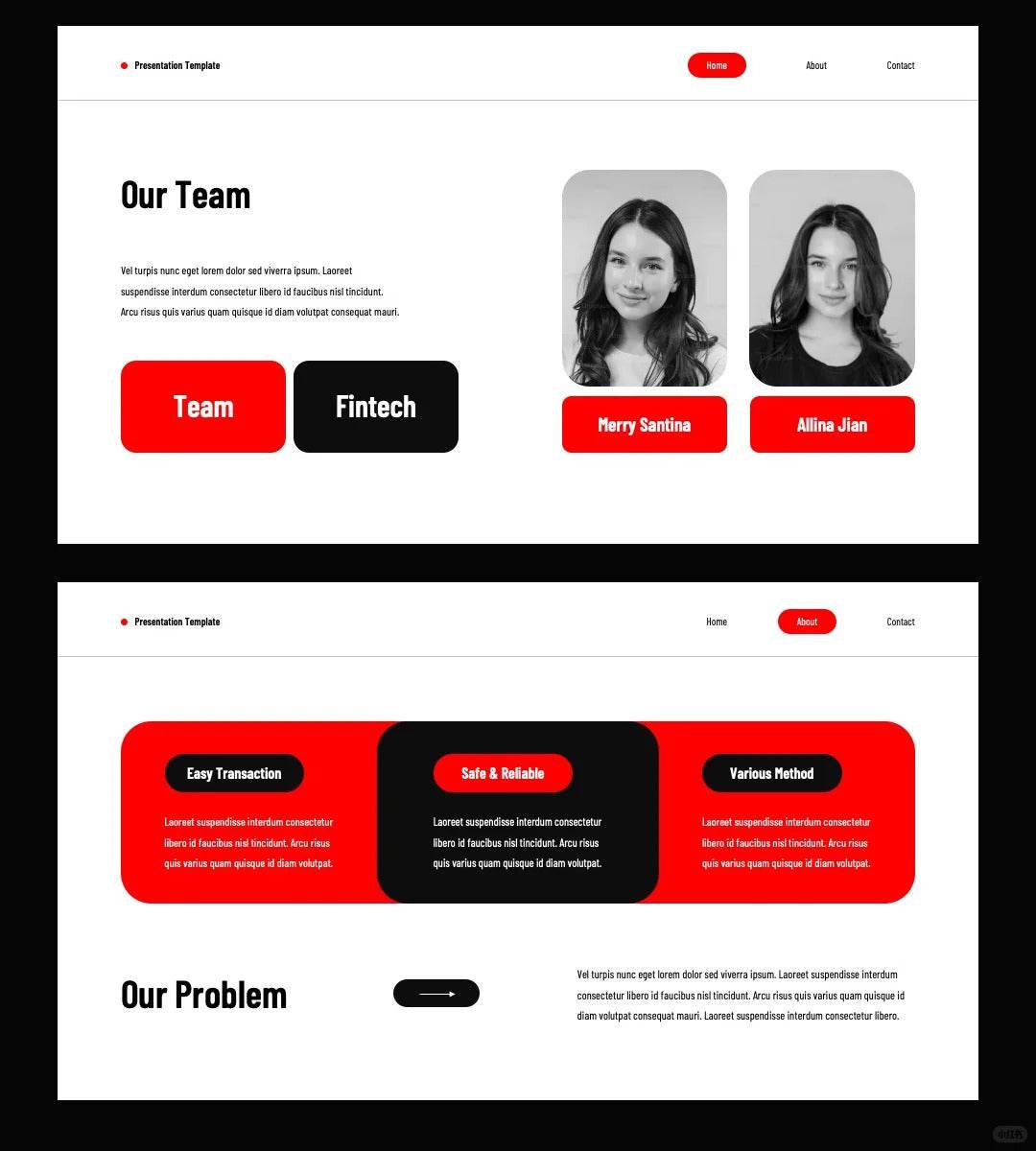
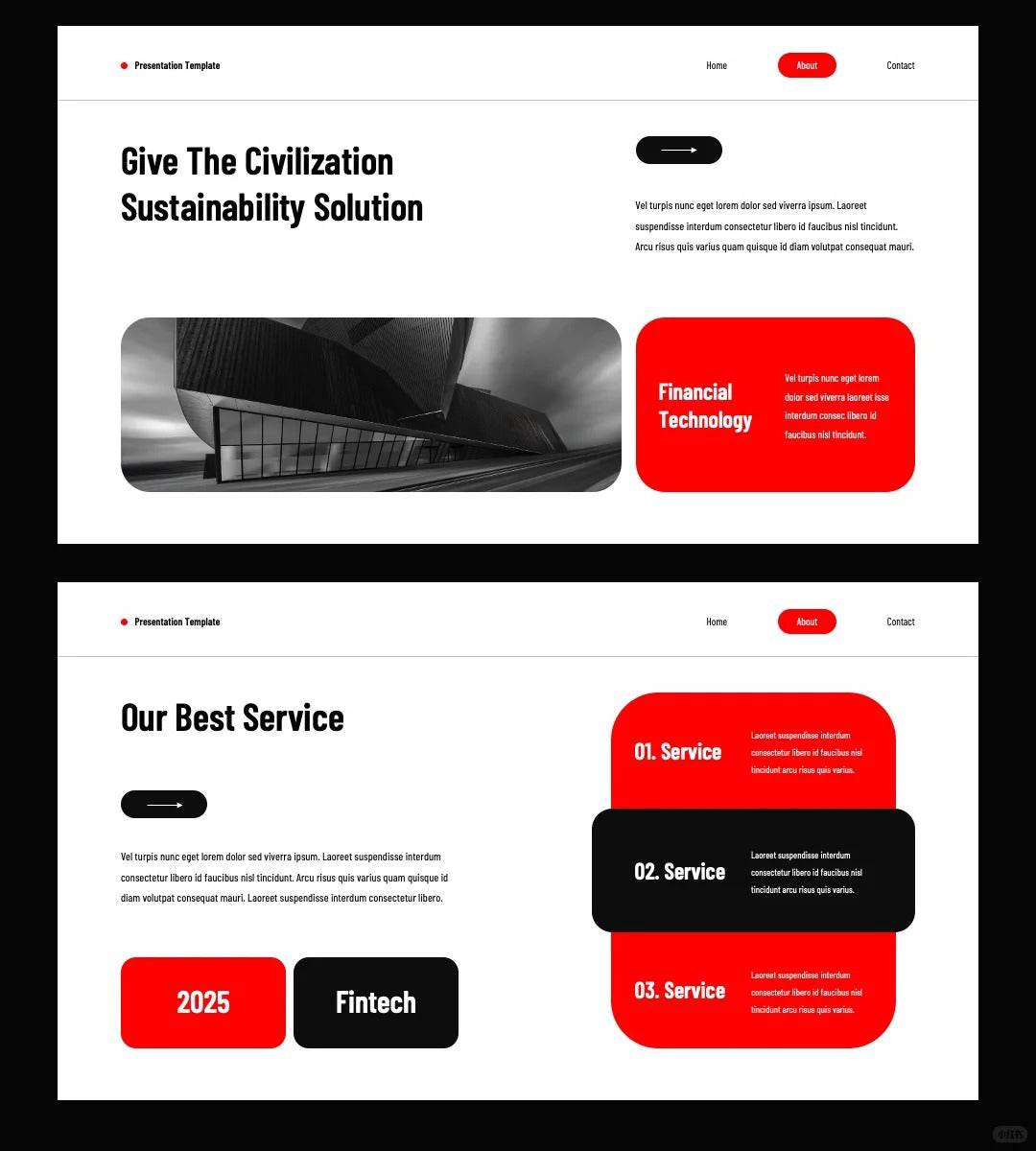
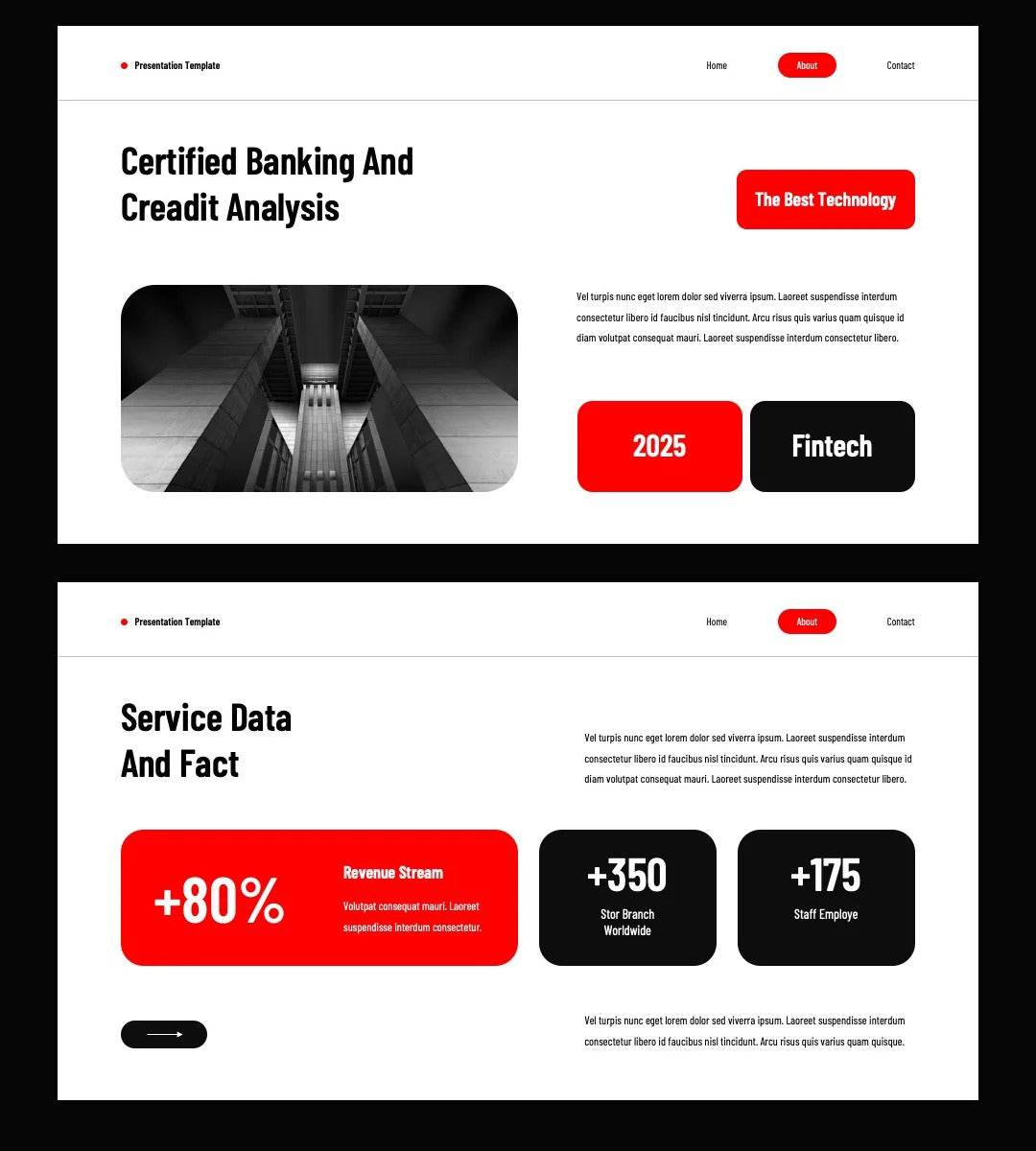
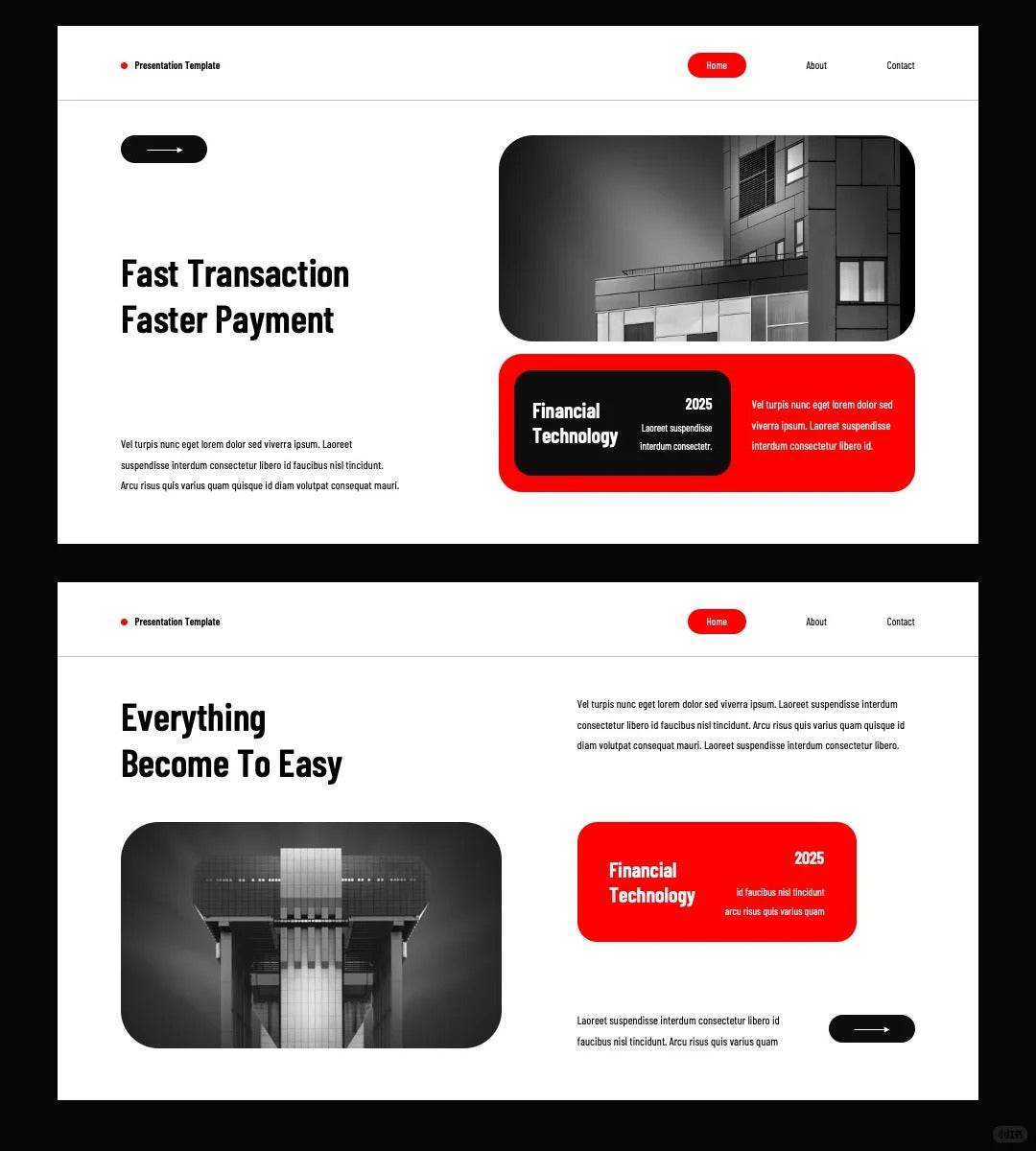
The classic combination of red and black is the only way to create a high-end feel. The passion and vitality of red, combined with the calmness and professionalism of black, can instantly improve the grade of PPT. Remember, red can be used as an accent color, while black can be used as a background or auxiliary color. This combination will not be too ostentatious and can highlight the key points.
【Layout and Balance】
Layout is a very important part of PPT design. A good layout can make the content clear and well-organized. When designing, pay attention to the balance of pictures and texts to avoid pages that are too crowded or empty. You can try to place text and images in different areas to maintain a visual sense of balance.
【Font Selection】
The choice of font is crucial to the readability and aesthetics of PPT. Choose a clear and easy-to-read font and avoid using too fancy fonts to avoid distracting the audience. At the same time, a reasonable font size and color combination can also make information communication more efficient.
【Visual Elements】
Appropriate visual elements, such as icons, lines, and color blocks, can enrich the visual effects of PPT and enhance the overall sense of design. When using these elements, pay attention to the coordination with the overall style and avoid overly complex or abrupt designs.
PPT&Keynote template; all elements are editable; 20 pages in total

#ppt #keynote #color matching #red and black ppt #red ppt #super good looking ppt #ppt design #high-end feeling

FAQ

How to get digital products after placing an order?

There is a download button on the successful order page. Click the download button to download it by yourself, or you can log in to your email account to view the download link of the digital product.

Do gift card members enjoy unlimited permanent downloads?

Yes, we reject the subscription system. Purchase a gift card membership to obtain codes, and use the codes to achieve unlimited and permanent free downloads.

How to obtain and use gift card deduction codes?

Purchase a gift card and get it from the member order success page; place an order for any digital product, enter the member code on the order settlement page to deduct the full amount and download it for free.

Why does my gift card membership show an amount? Isn't it permanent?

To prevent theft by criminals, when the membership amount of your gift card is less than 100, the system will automatically send you an email to replenish it. You can also send the giftcard to whaledesigner@outlook.com. The staff will send you the code after verifying the member's email address. If you have any questions, please feel free to contact us and we will handle it properly within 6 hours.