1067 This design trick makes PPT instantly have a sense of design
After completing your order, you will receive an email with a download link. You can also access your file at any time from your order confirmation page. The download will be available immediately.
Yes! All templates include a personal and commercial license for one user. You can use it for client presentations and work reports. Resale or redistribution of the file is prohibited.
Please click the "After-Sales Support" button on this page to contact us. We usually reply within 24 hours and ensure you receive the file.
Digital product PPT 5.4MB
Format: PowerPoint, Keynote
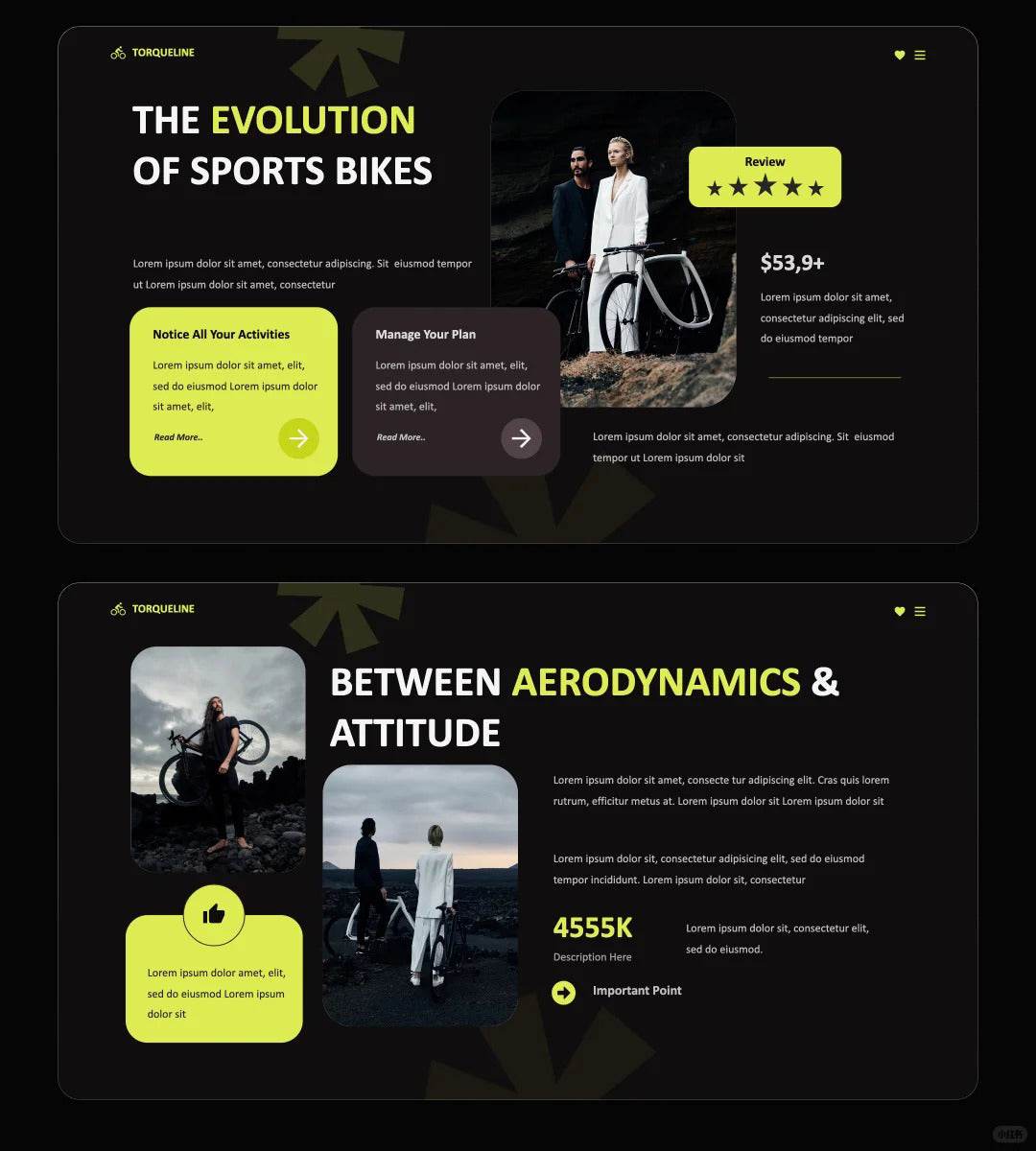
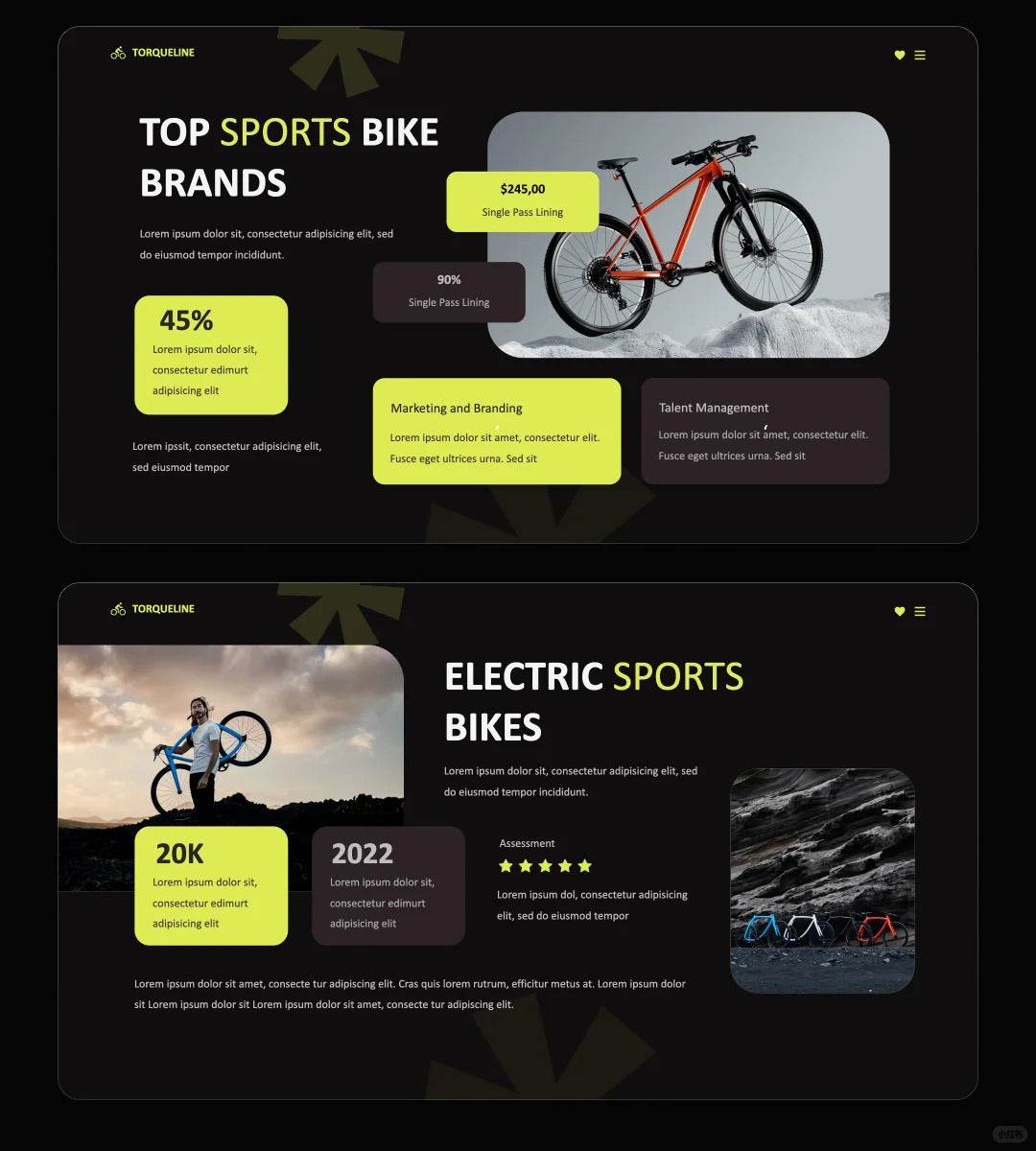
Do you always arrange graphics in a strict and orderly manner?
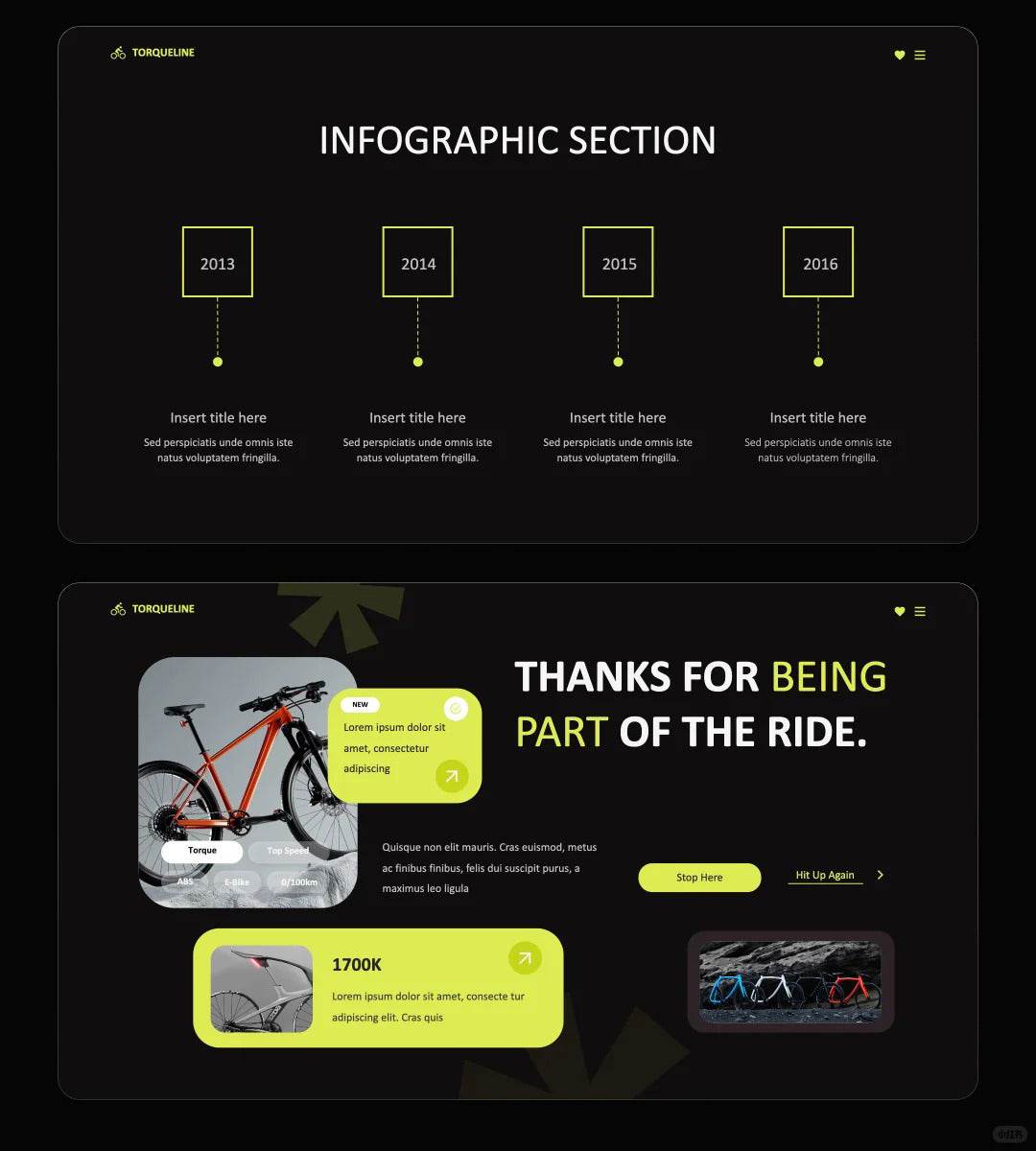
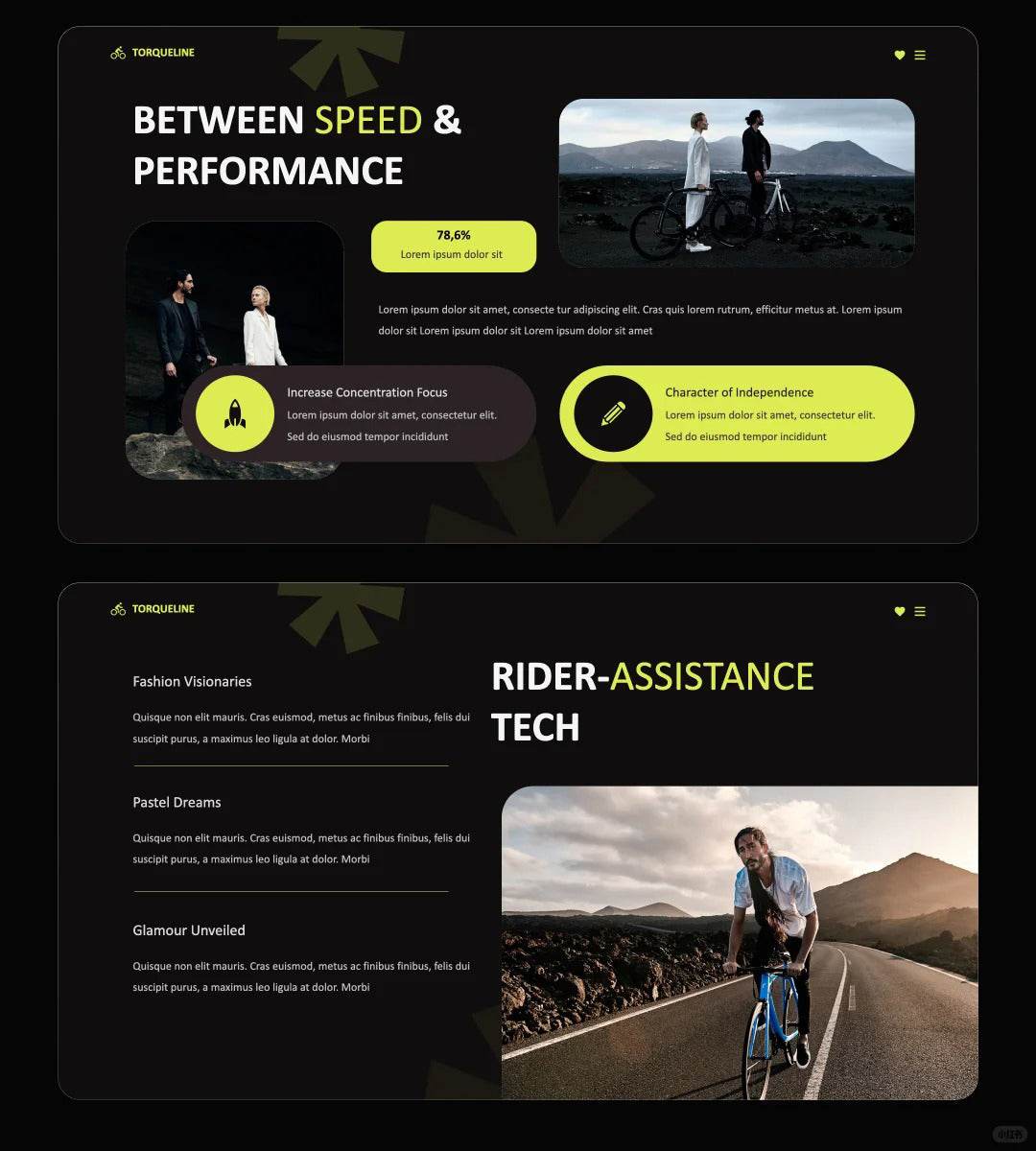
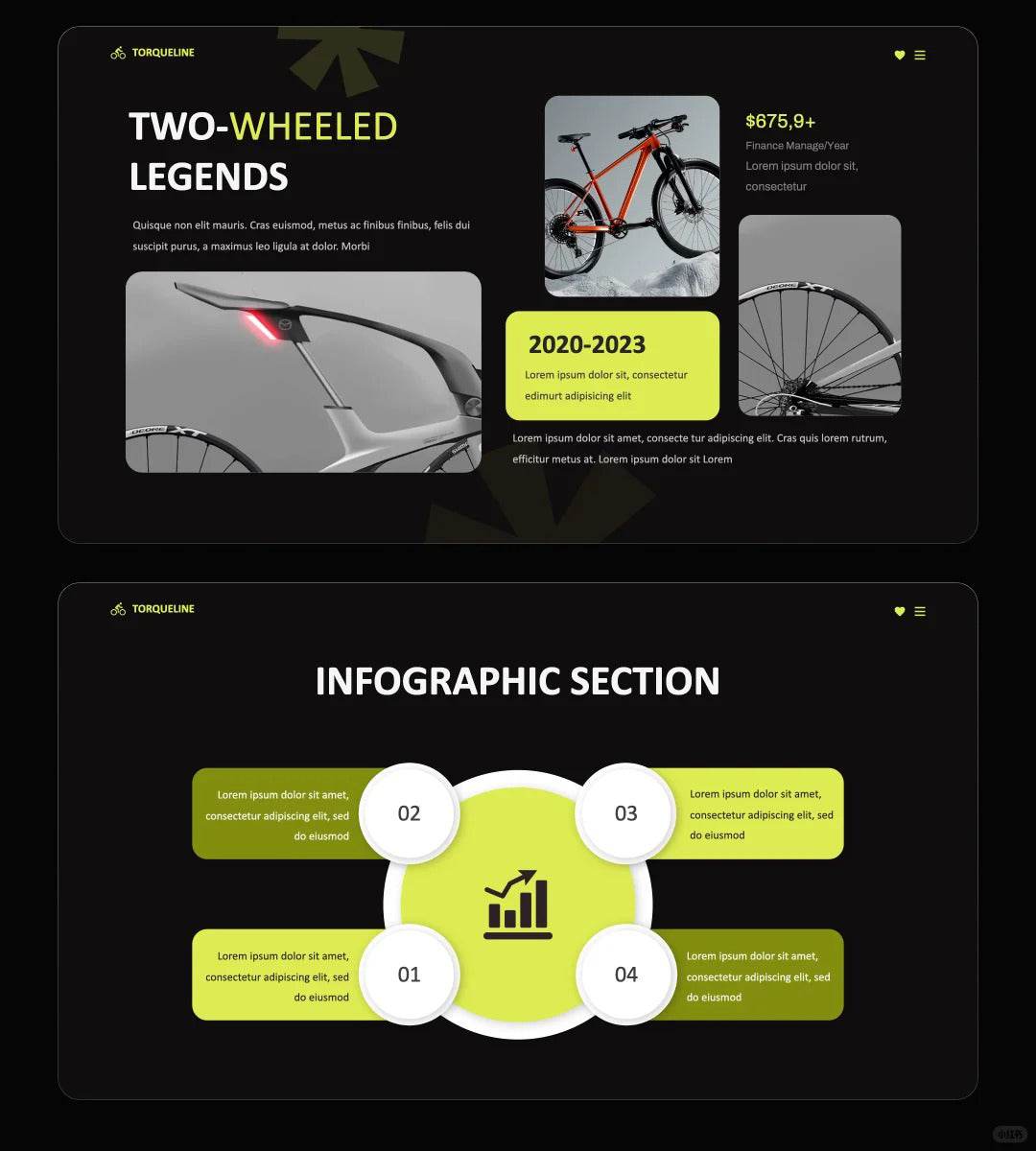
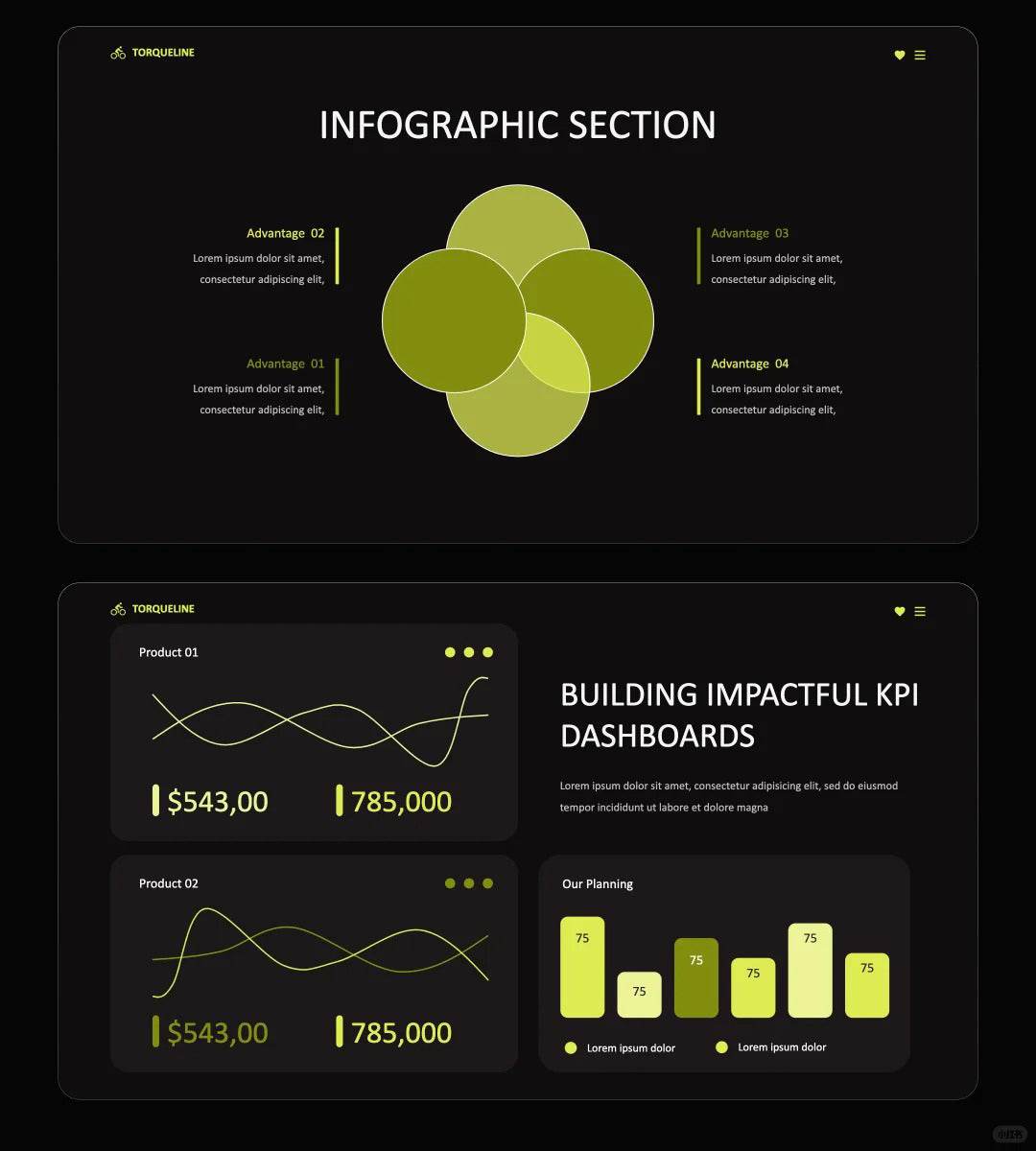
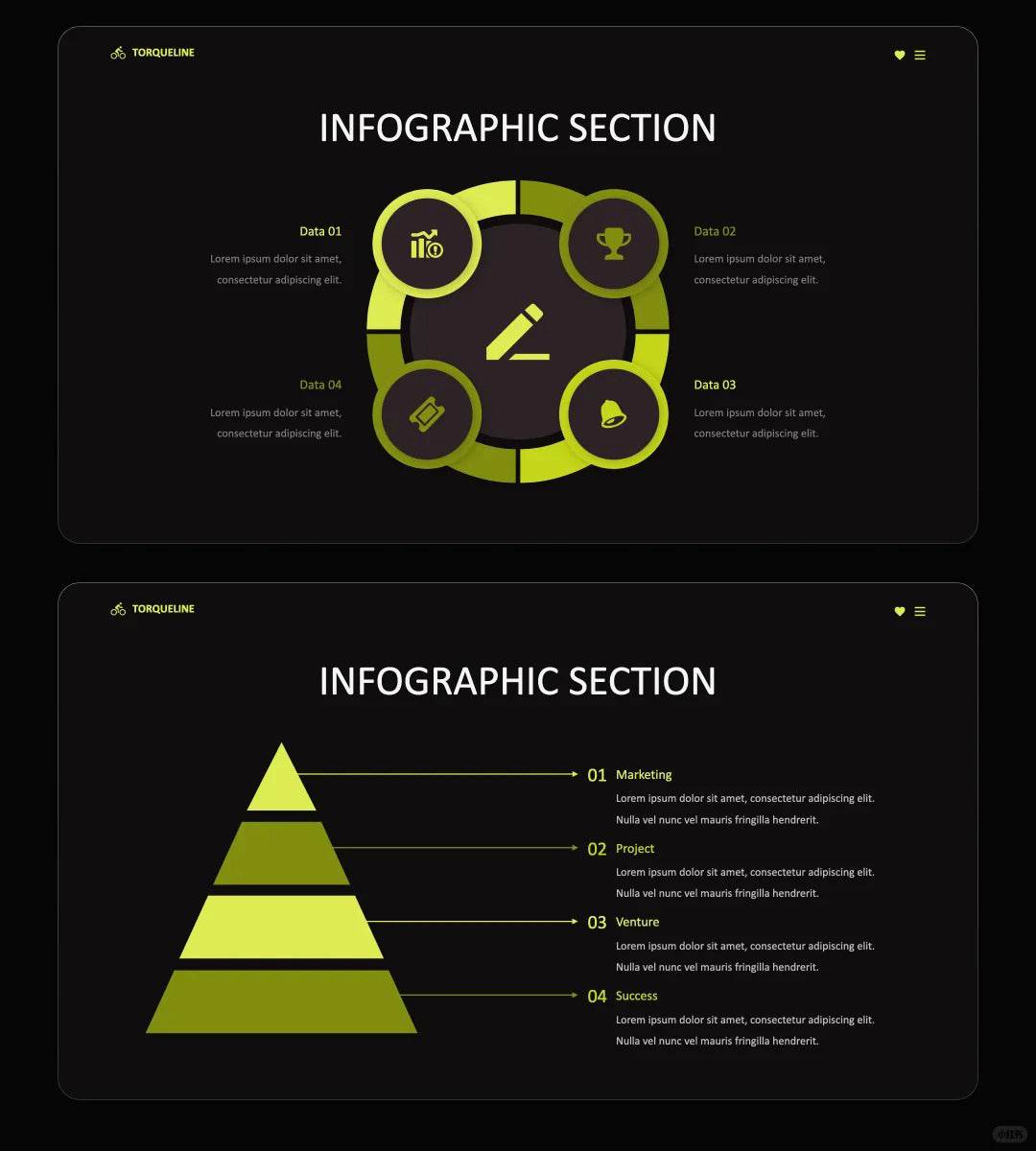
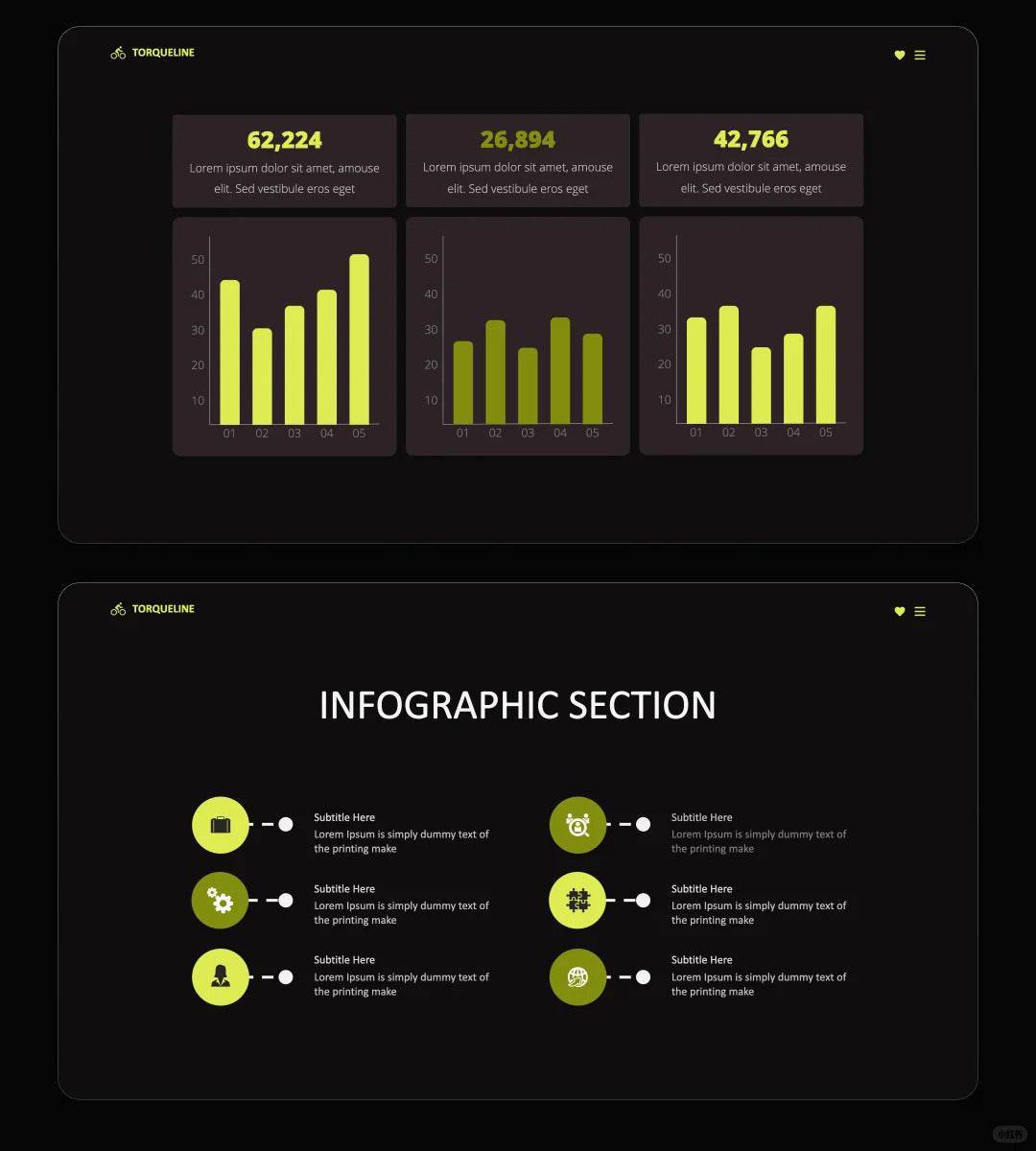
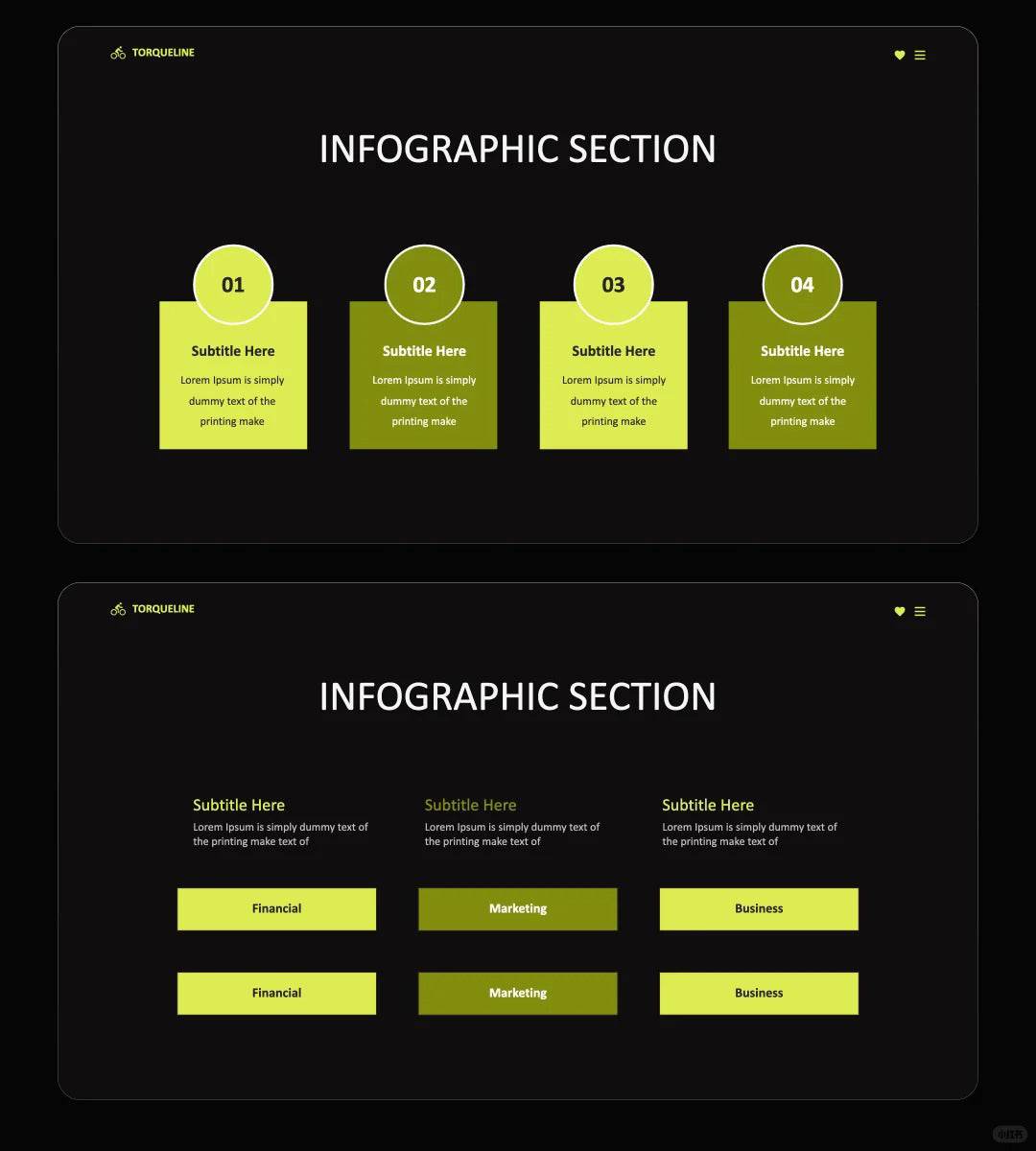
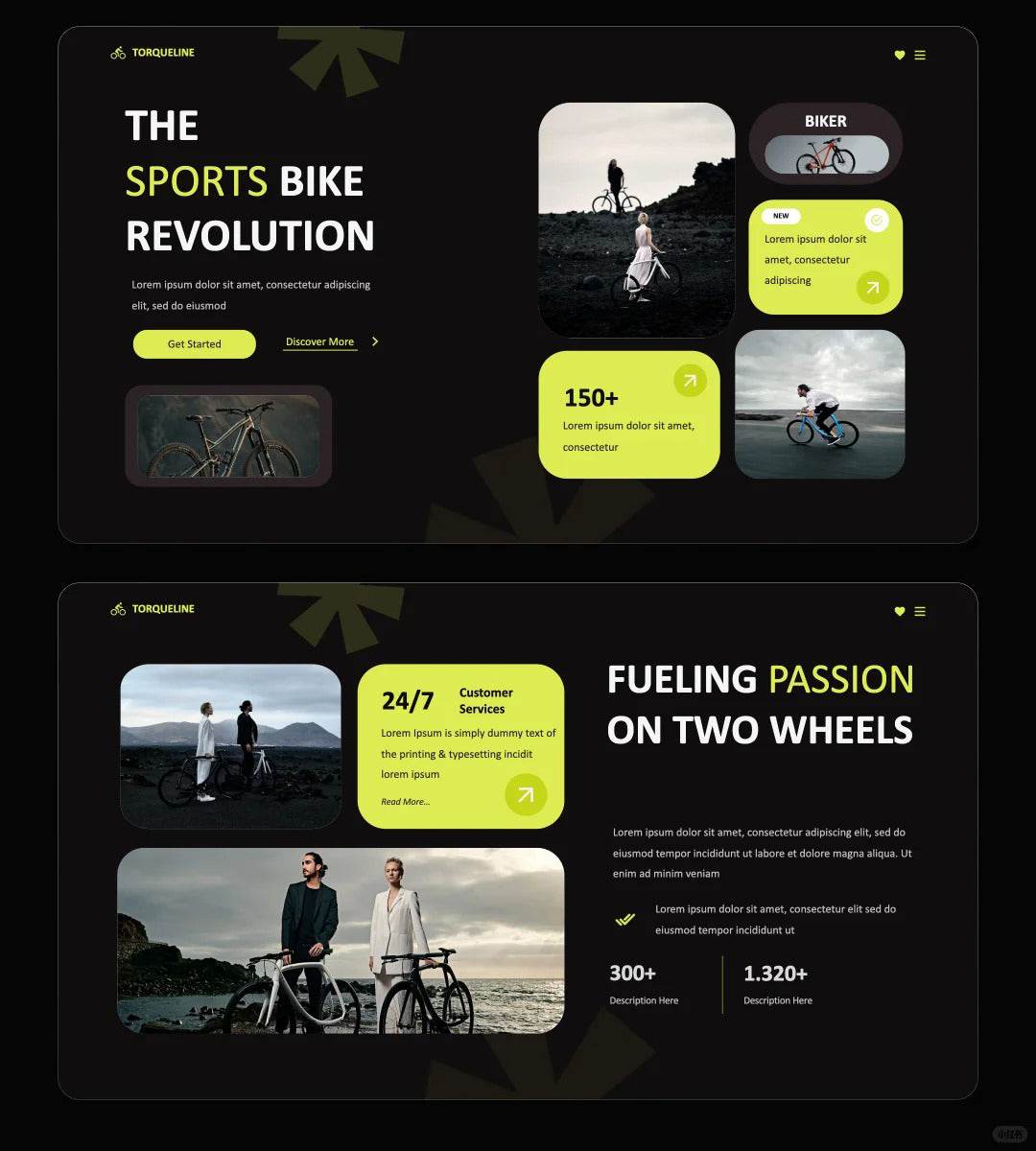
If you want to make your PPT more design-oriented, why not try "graphic stacking"👇
🧠The beauty of stacking:
· Break through the limitations of form. Stacking regular graphics in a staggered manner makes the picture instantly flexible and dynamic, no longer "strict and well-behaved".
· Create visual rhythm. Stacking forms a "sense of rhythm" and "center of gravity", which can naturally guide the viewing movement line.
· Enhance the sense of design. Give the basic graphics more "emotions" by blocking or interlacing, so that the PPT looks not only as a stack of information, but also as an expression of design thinking.
📌 How to stack to look good?
Block the graphics but keep order
Add semi-transparent color blocks to enhance the level
Match with white space, don't be too crowded
Graphic stacking is not a random arrangement, but an orderly breaking of the boundaries of "shape"
#ppt #keynote #design #ppt template #keynote template #green #blackgreen
🎯 Get this 1000+ Premium Templates with Whale Design Membership
Unlock unlimited access to Procreate brushes, PPT templates, and exclusive digital assets — one membership, everything included.