749 Procreate Ink Brush Set - whaledesign

749 Procreate Ink Brush Set

$3.99
0 sold
Limited time offer 20% OFF
00
Days
00
Hours
00
Min
00
Sec

After completing your order, you will receive an email with a download link. You can also access your file at any time from your order confirmation page. The download will be available immediately.

Yes! All templates include a personal and commercial license for one user. You can use it for client presentations and work reports. Resale or redistribution of the file is prohibited.

Please click the "After-Sales Support" button on this page to contact us. We usually reply within 24 hours and ensure you receive the file.

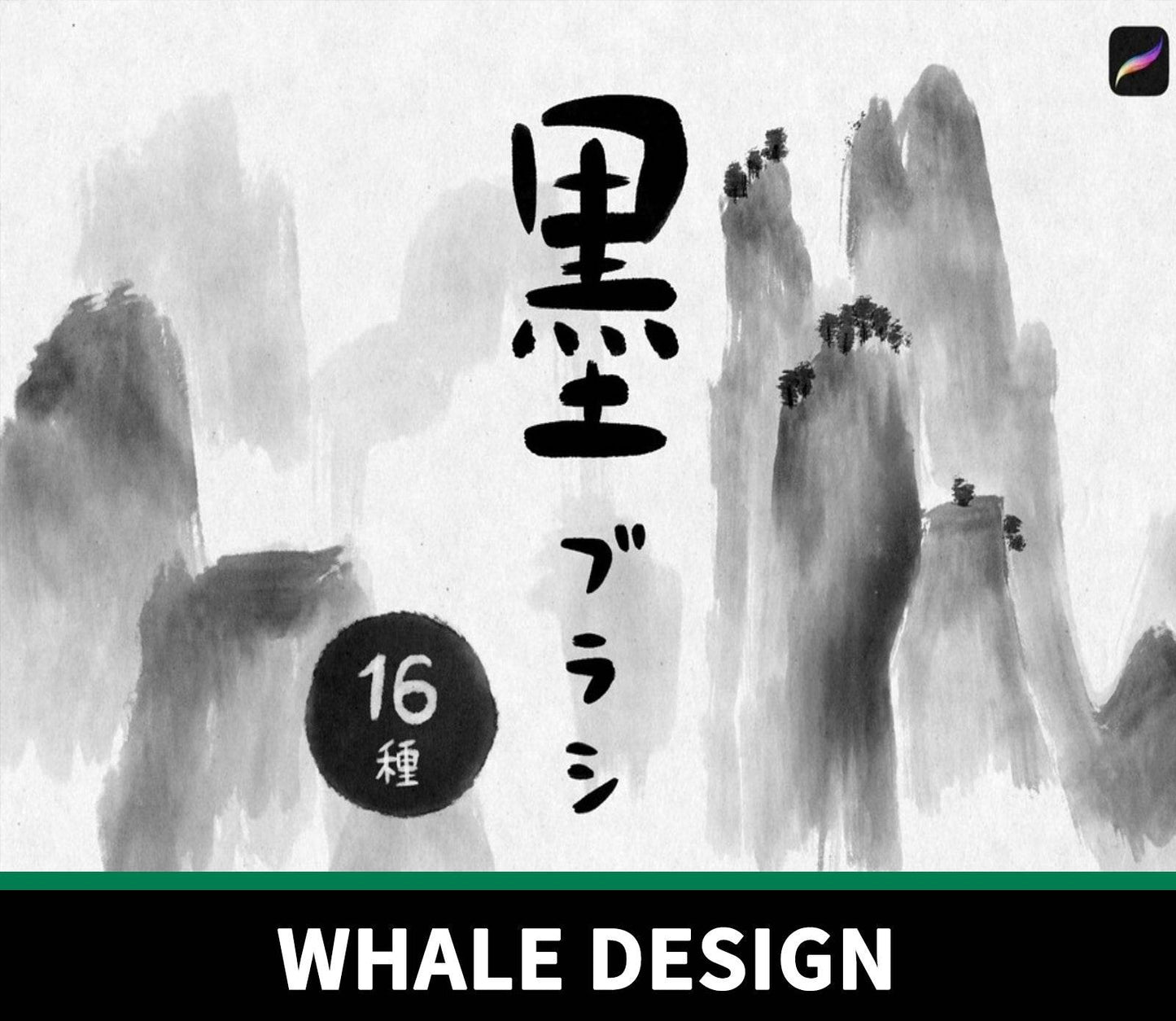
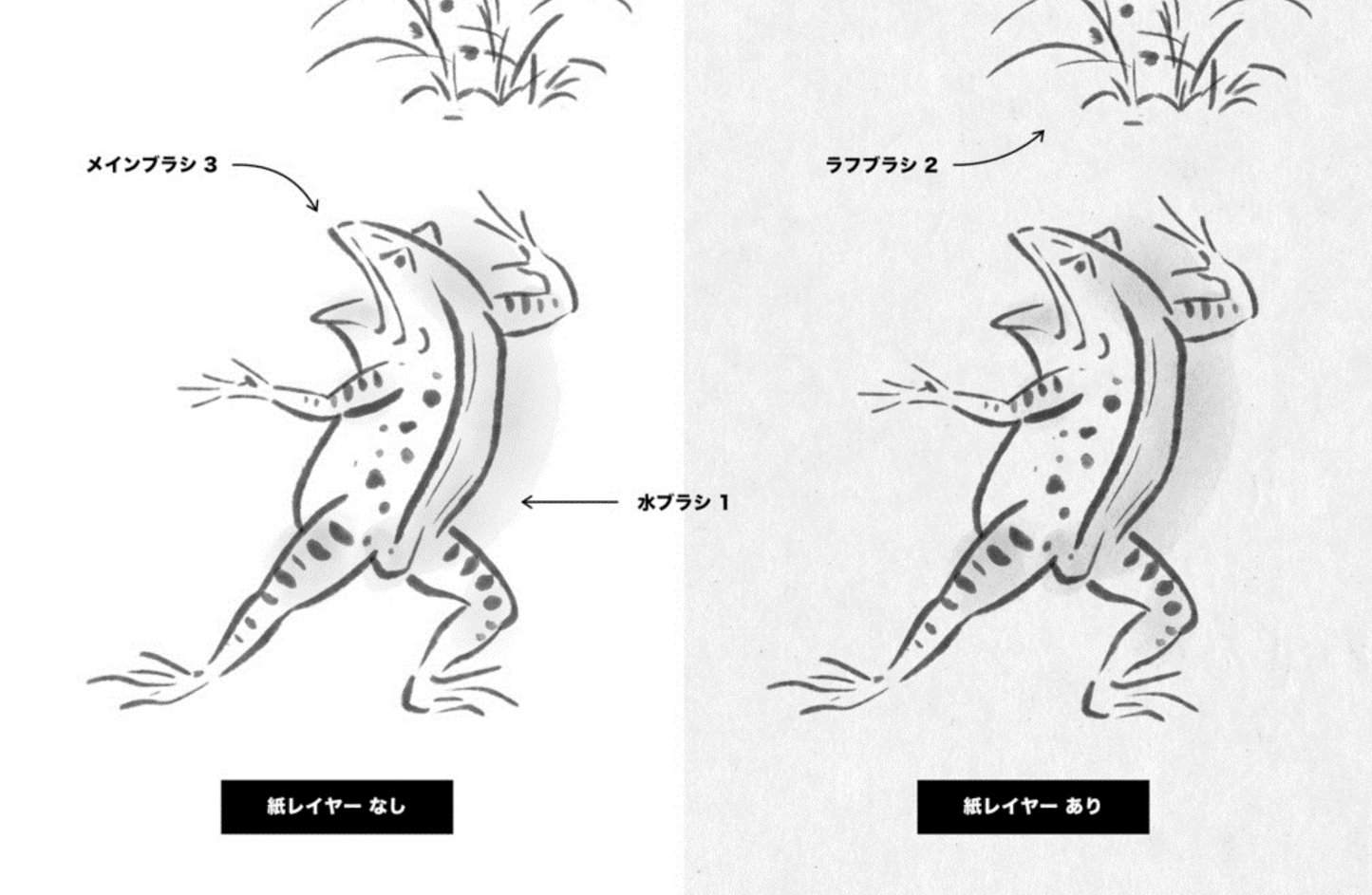
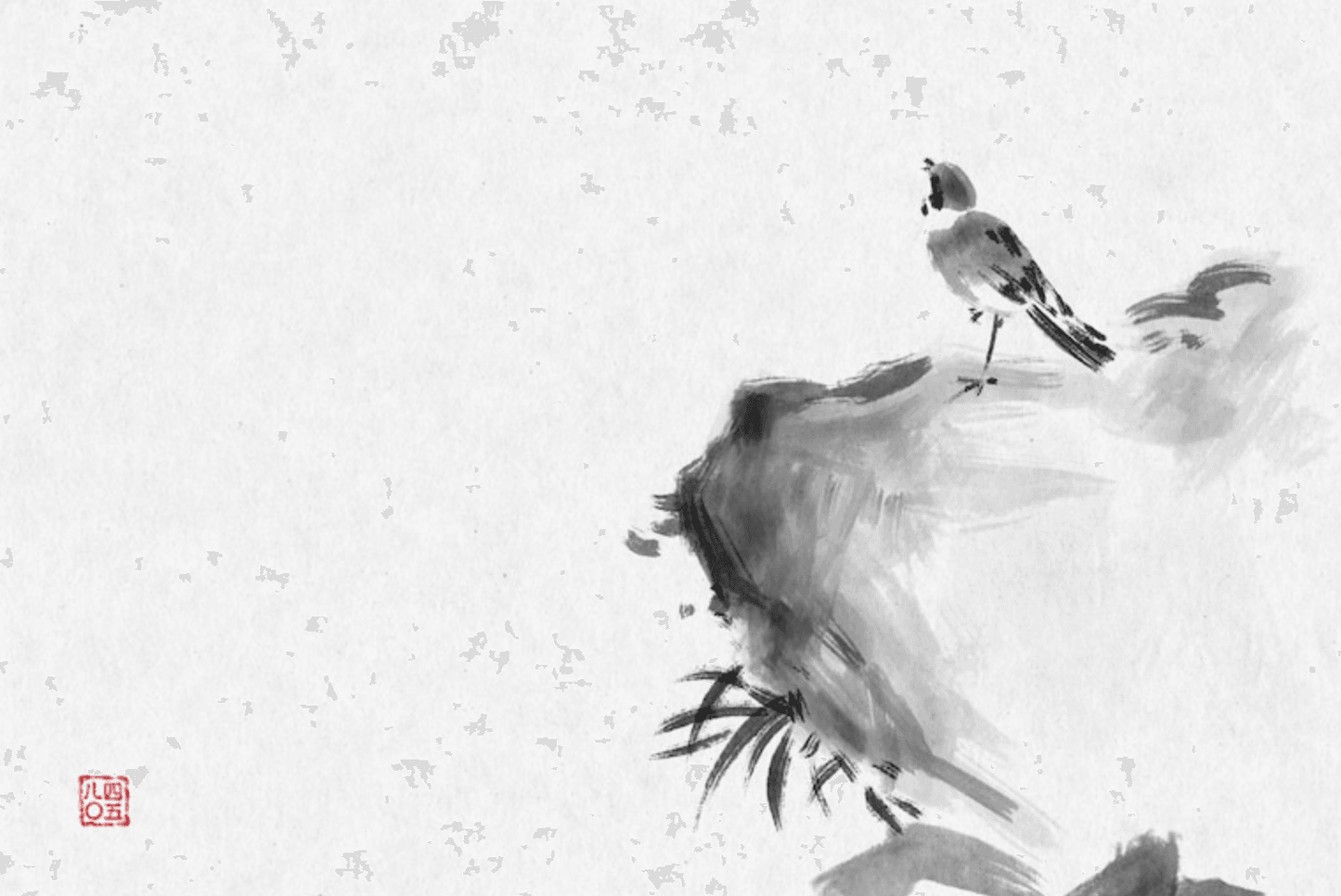
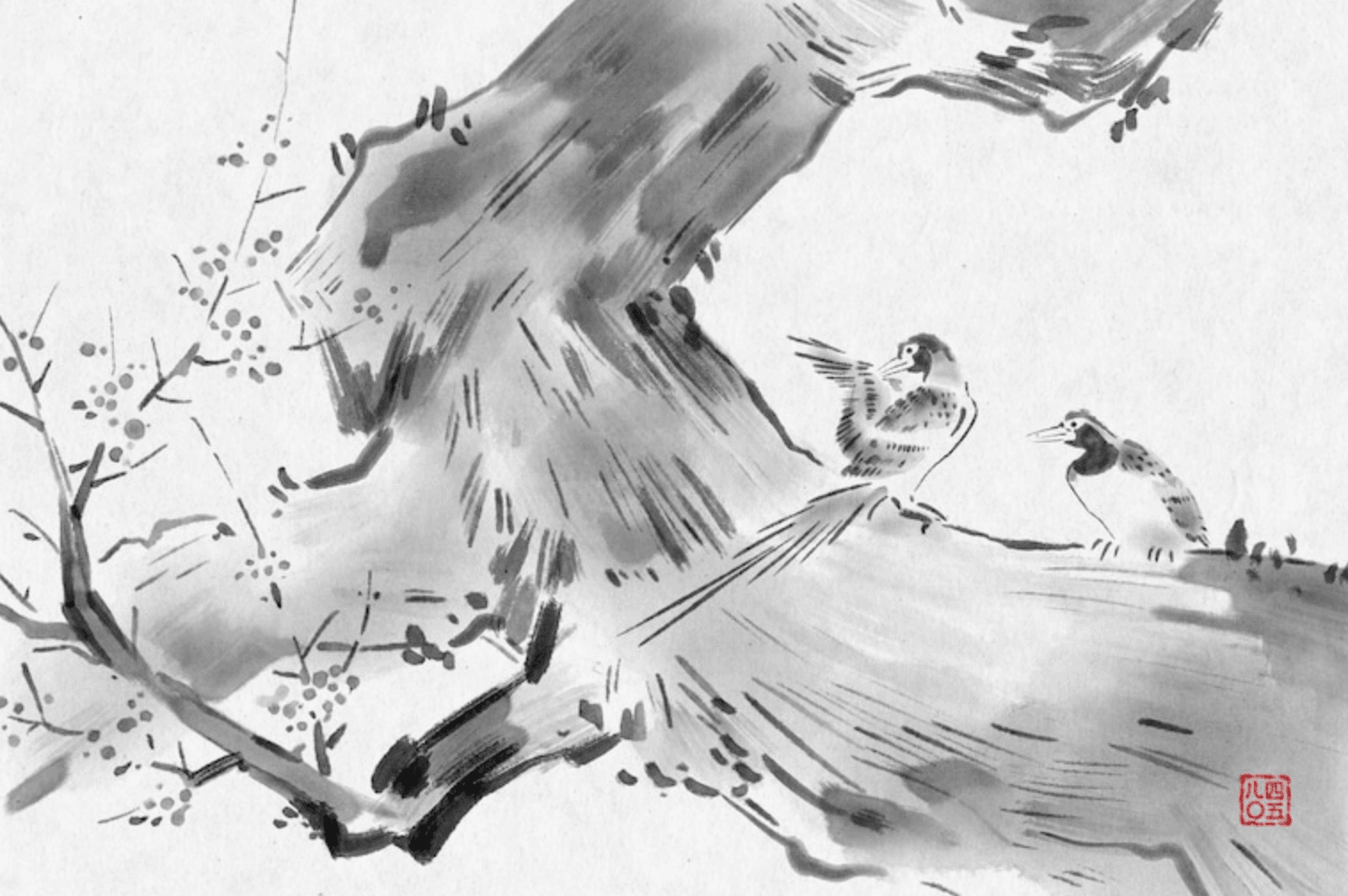
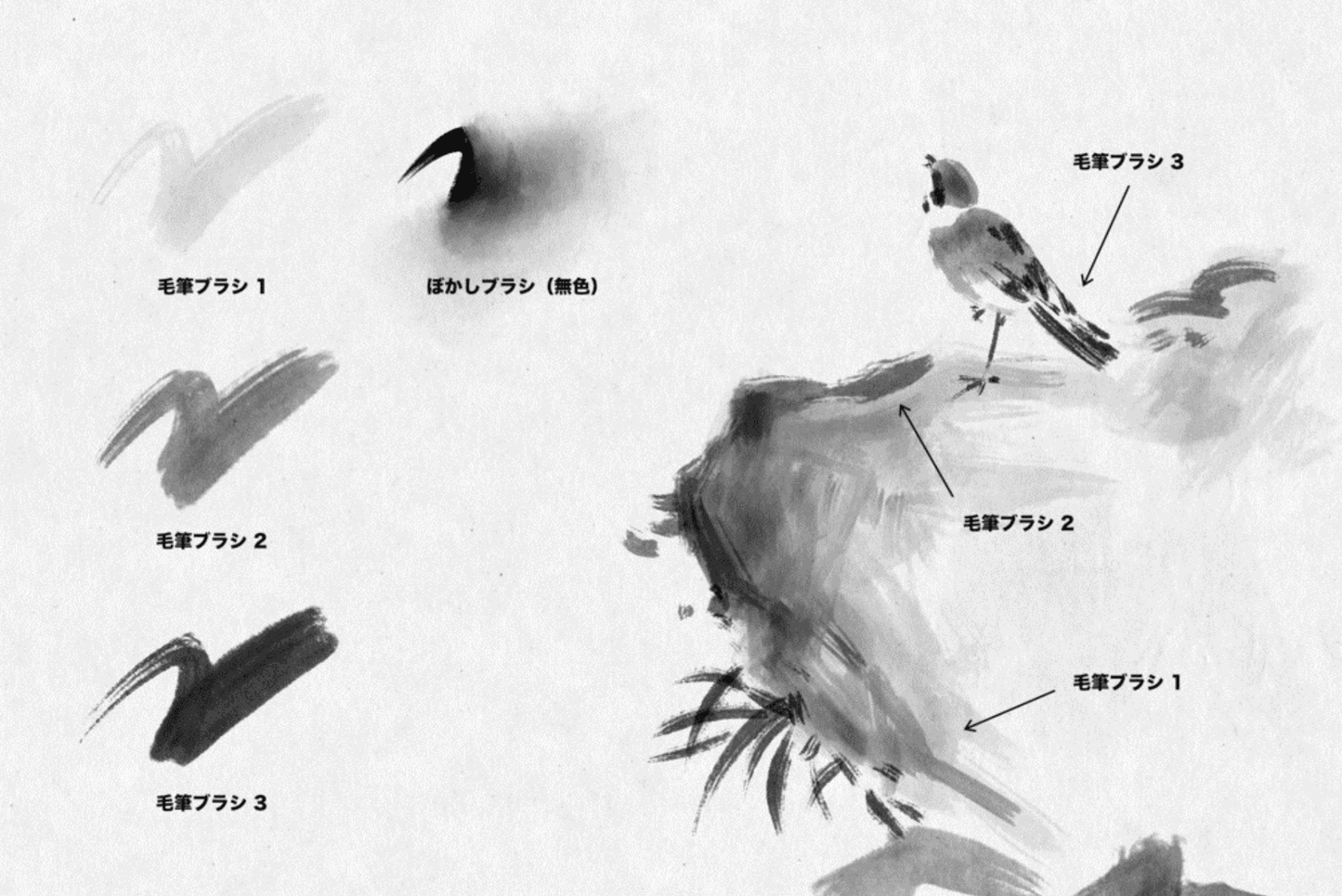
Ink brush set for Procreate, including 16 ink brushes and 4 paper textures. Since the previous work "Japanese brush set 8 types", it is more realistic and can achieve various expressions. Suitable for pen or ink painting style illustrations, New Year's cards, etc. Procreate for iPad 5.0 and above.
Set Contents:
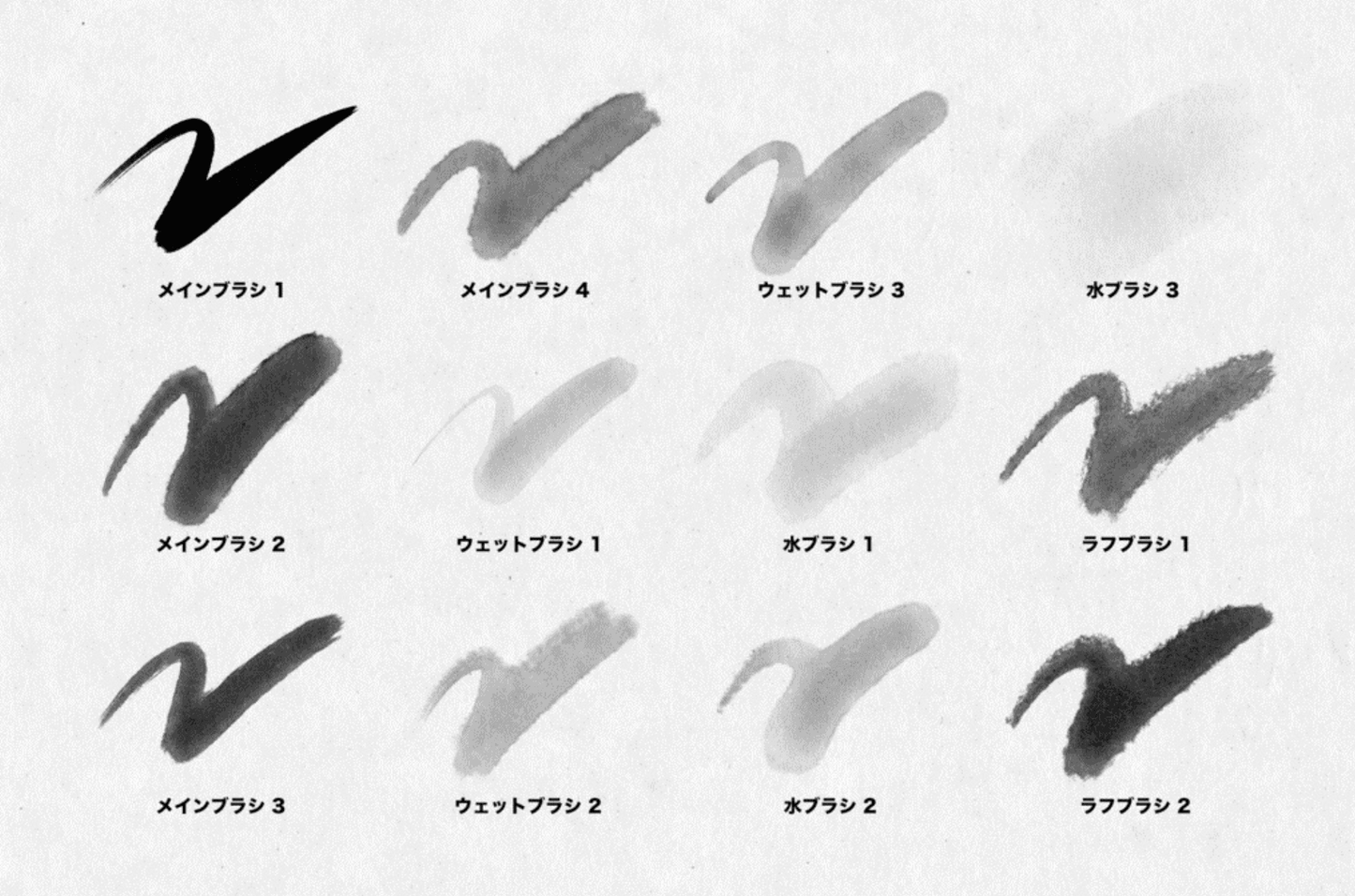
▼ 16 ink brushes
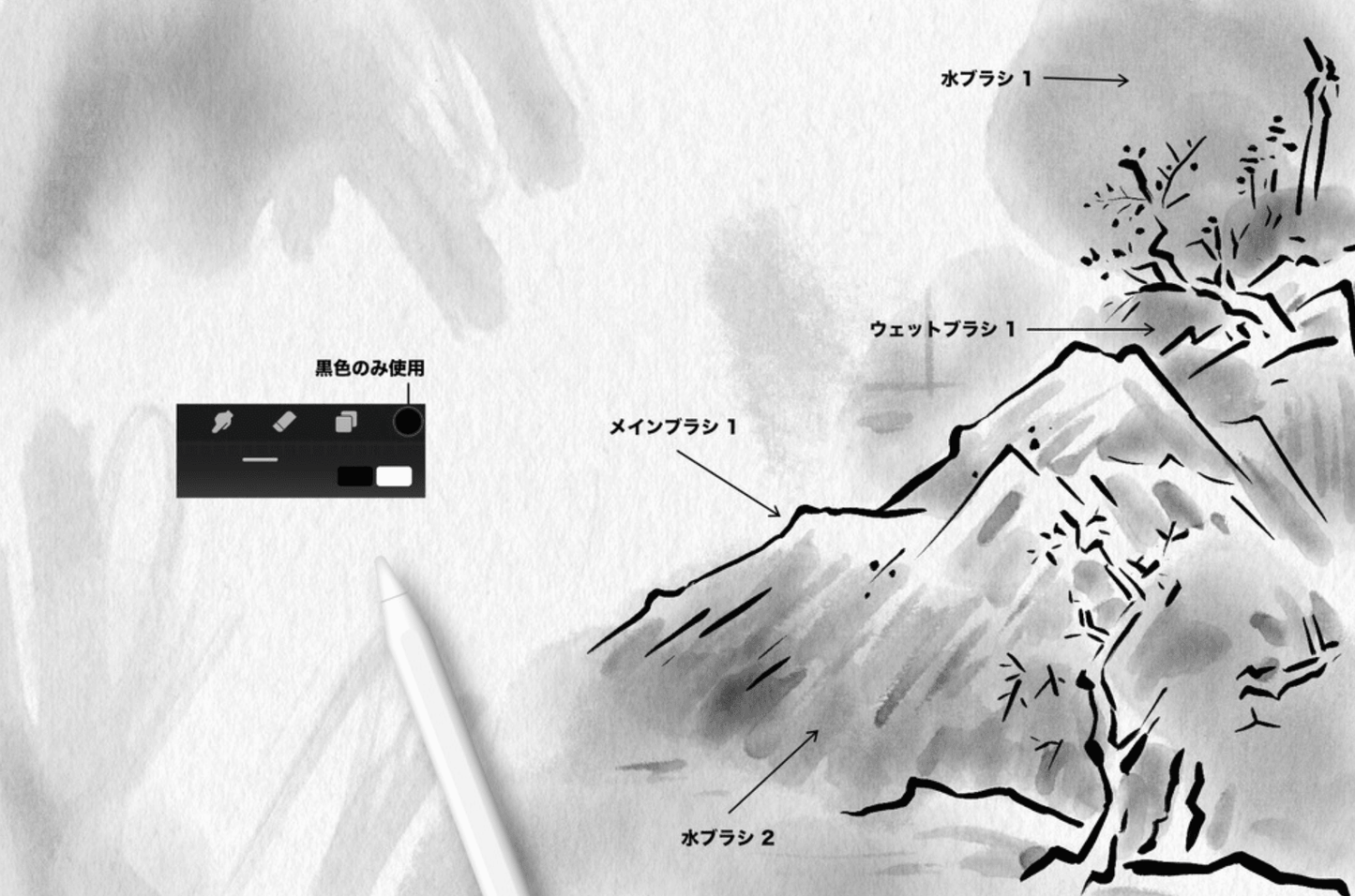
4 main brushes: brushes for line drawings
3 wet brushes: brushes for filling colors
3 water brushes: brushes for large-scale light strokes and penetration effects
2 rough brushes: with the characteristics of rough lines
3 brush brushes: brush stroke characteristics
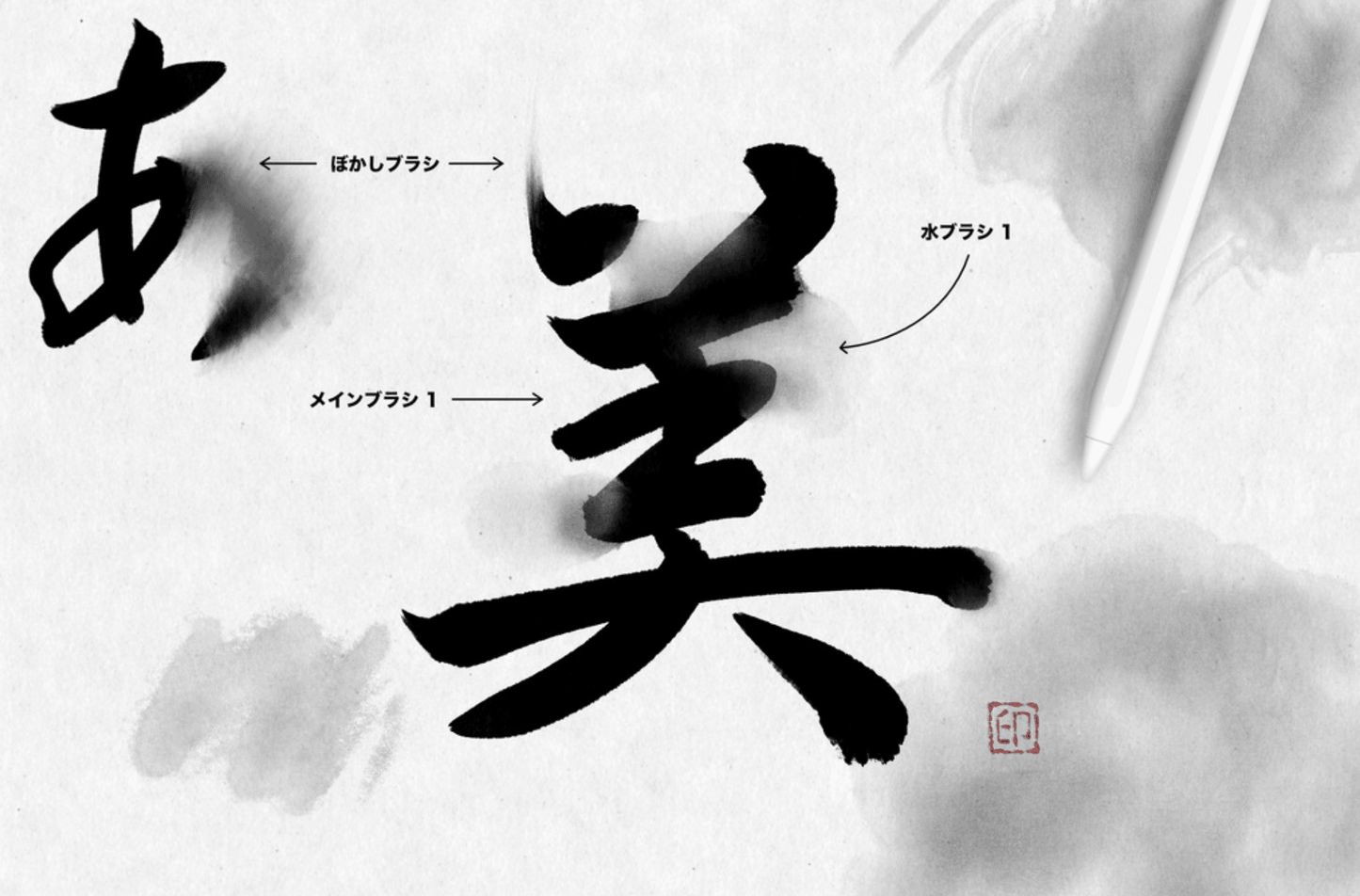
1 smear brush: for evenly blending colors
※ About the smear brush
This is a brush for smearing the drawn color. It is colorless when used alone. You can also use it in the smear tool (finger symbol), but it has been adjusted to be used in the brush tool (pen symbol).
※ About the thickness of the brush stroke
If you feel that the brush stroke is too thin, try editing the brush stroke curve. (Wrench sign in the upper left corner → Environment Settings → Edit Stroke Curve → You should see a line segment from the lower left to the upper right, try to stretch it to the upper left)
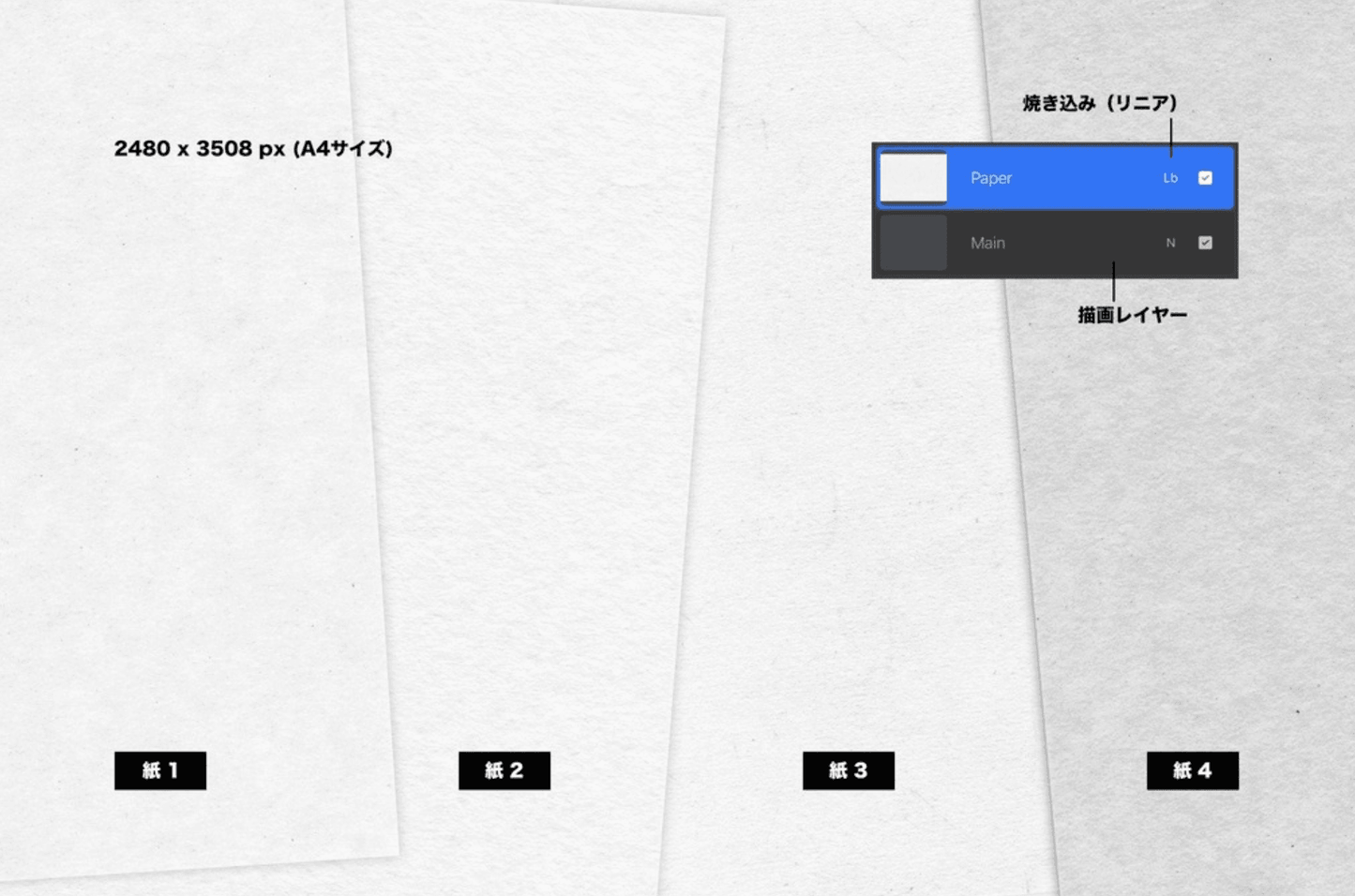
▼4 sheets of paper texture (A4 size at 300dpi/2480 x 3508px)
How to use: Place it on the drawing layer (wrench sign in the upper left corner → Add → Insert File or Insert Photo), set the blending to "Linear Burn".

🎯 Get this 1000+ Premium Templates with Whale Design Membership

Unlock unlimited access to Procreate brushes, PPT templates, and exclusive digital assets — one membership, everything included.

FAQ

How to get digital products after placing an order?

There is a download button on the successful order page. Click the download button to download it by yourself, or you can log in to your email account to view the download link of the digital product.

Do gift card members enjoy unlimited permanent downloads?

Yes, we reject the subscription system. Purchase a gift card membership to obtain codes, and use the codes to achieve unlimited and permanent free downloads.

How to obtain and use gift card deduction codes?

Purchase a gift card and get it from the member order success page; place an order for any digital product, enter the member code on the order settlement page to deduct the full amount and download it for free.

Why does my gift card membership show an amount? Isn't it permanent?

To prevent theft by criminals, when the membership amount of your gift card is less than 100, the system will automatically send you an email to replenish it. You can also send the giftcard to whaledesigner@outlook.com. The staff will send you the code after verifying the member's email address. If you have any questions, please feel free to contact us and we will handle it properly within 6 hours.