Skip to product information
1 of 5

View Download Process

759 The Brush Closest to Real Watercolor Effect on the Entire Network

759 The Brush Closest to Real Watercolor Effect on the Entire Network

Regular price $3.99 USD
Regular price $11.99 USD Sale price $3.99 USD
Sale Sold out
Taxes included.
  • Automatic document delivery
  • Email Acquisition
  • Service Support

How do I download resources?

Click to view resource downloads or service access documentation.

Where can I view the downloaded files?

1.Obtain the download link from the thank-you page
2.Download link automatically sent to your email
3.Obtain the download link from your personal information page
4.Obtain the download link from the resource library

Chat with us

How do I become a permanent member?

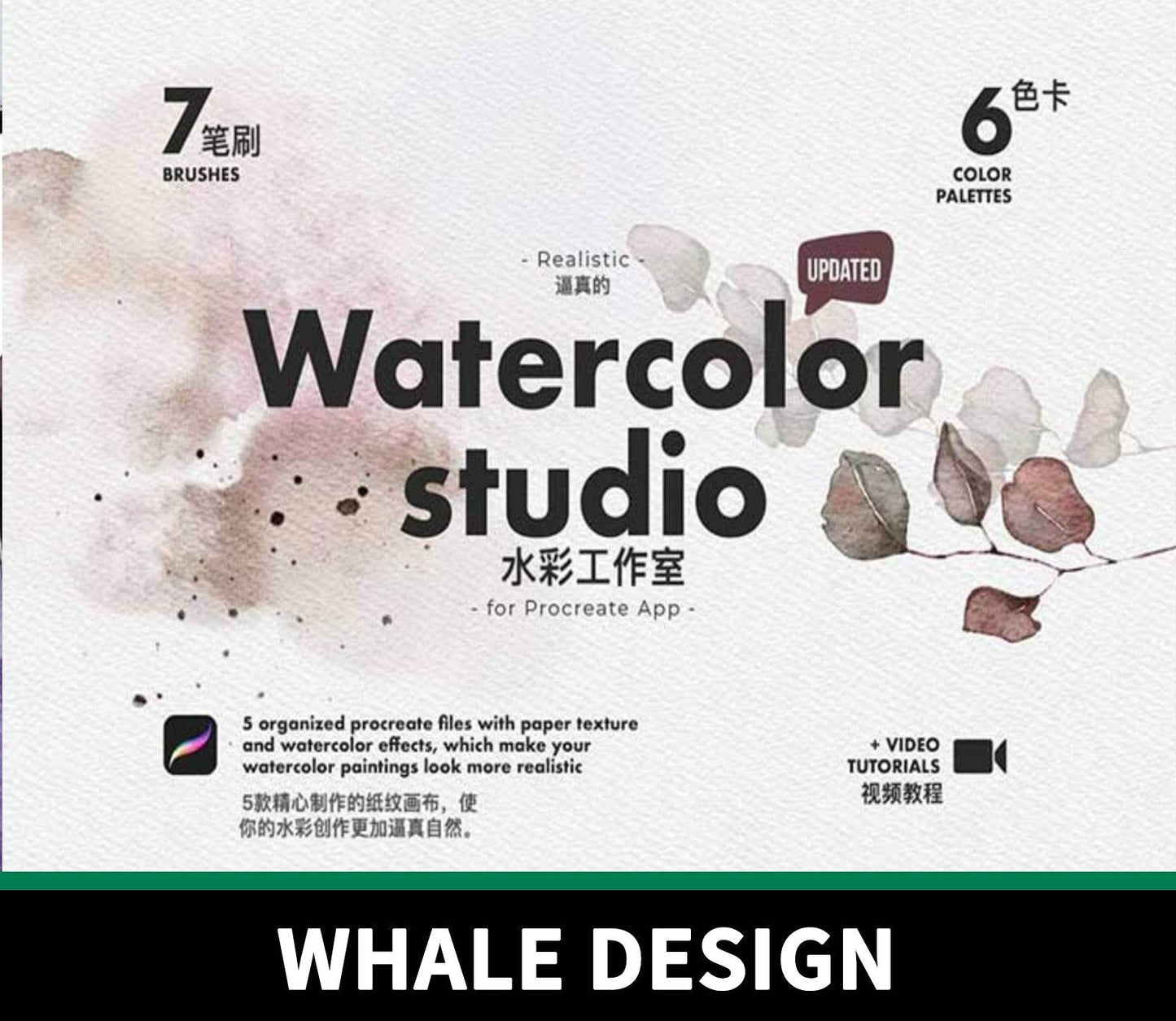
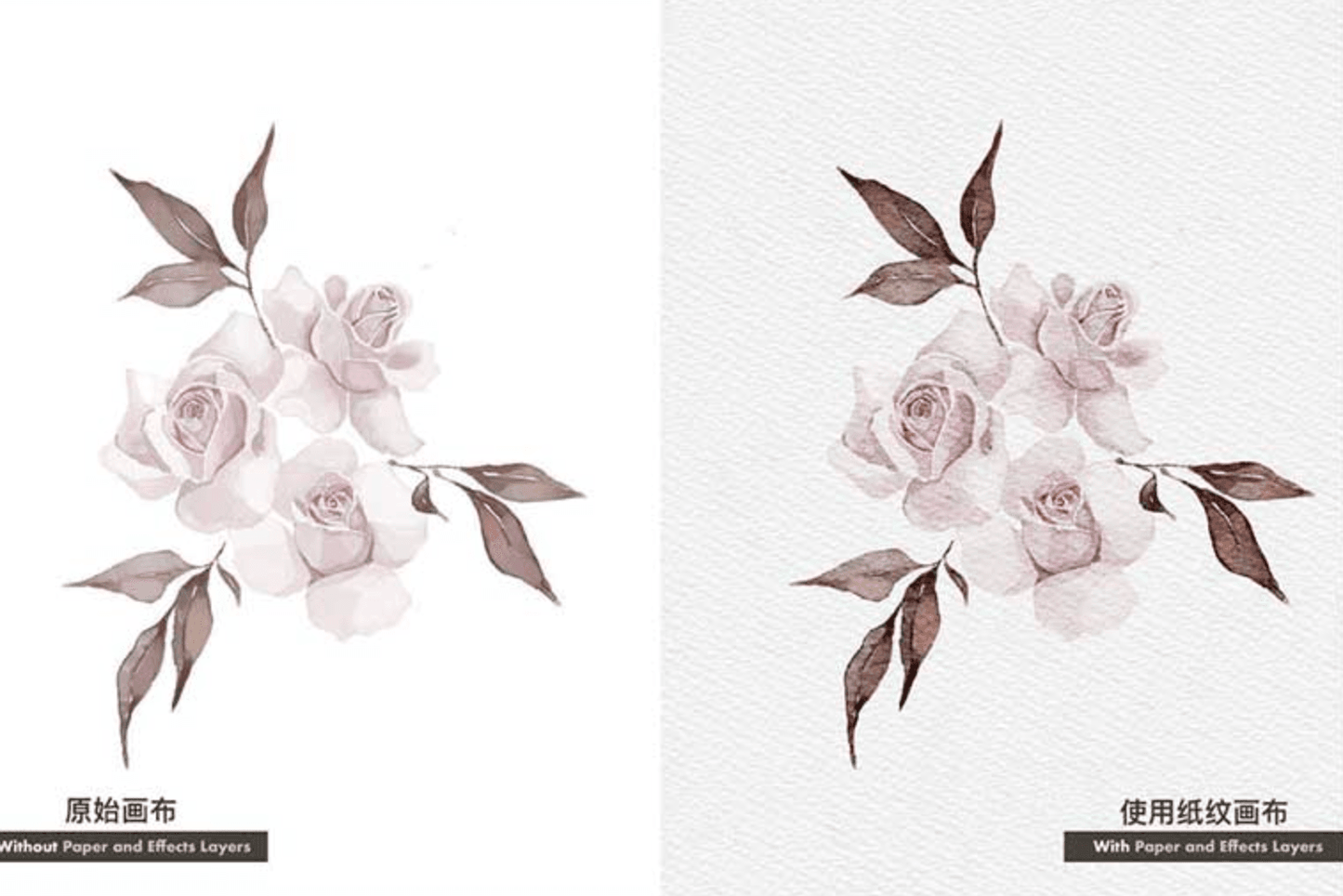
Procreate Watercolor Tool Collection, including 7 brushes, 7 color cards, 5 watercolor papers
Product Introduction
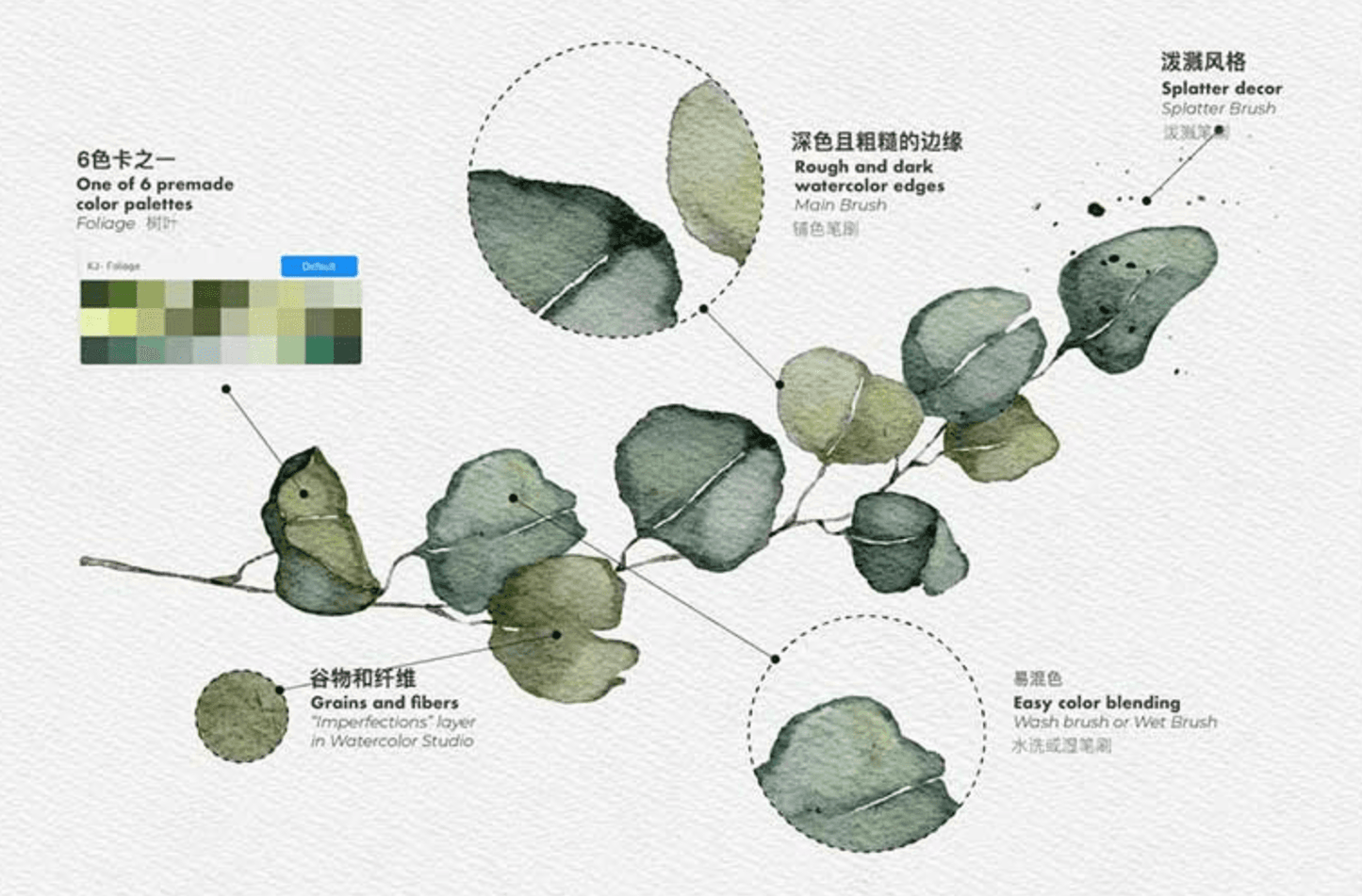
It has never been so easy and realistic to Procreate watercolor illustrations and drawings! Watercolor Studio is a combination of brushes and canvases. They complement each other and make procreate illustrations more realistic.
There is no customization, everything is ready to use. Open any canvas in the Procreate app and start painting.
Do you already have your favorite watercolor brushes? Try using them in my canvas to see if these brushes look better in the watercolor texture canvas?
What you get
5 Procreate drawing layer files - A4, 3508x2480px, 300 DPI (filename suffix is ​​.procreate)
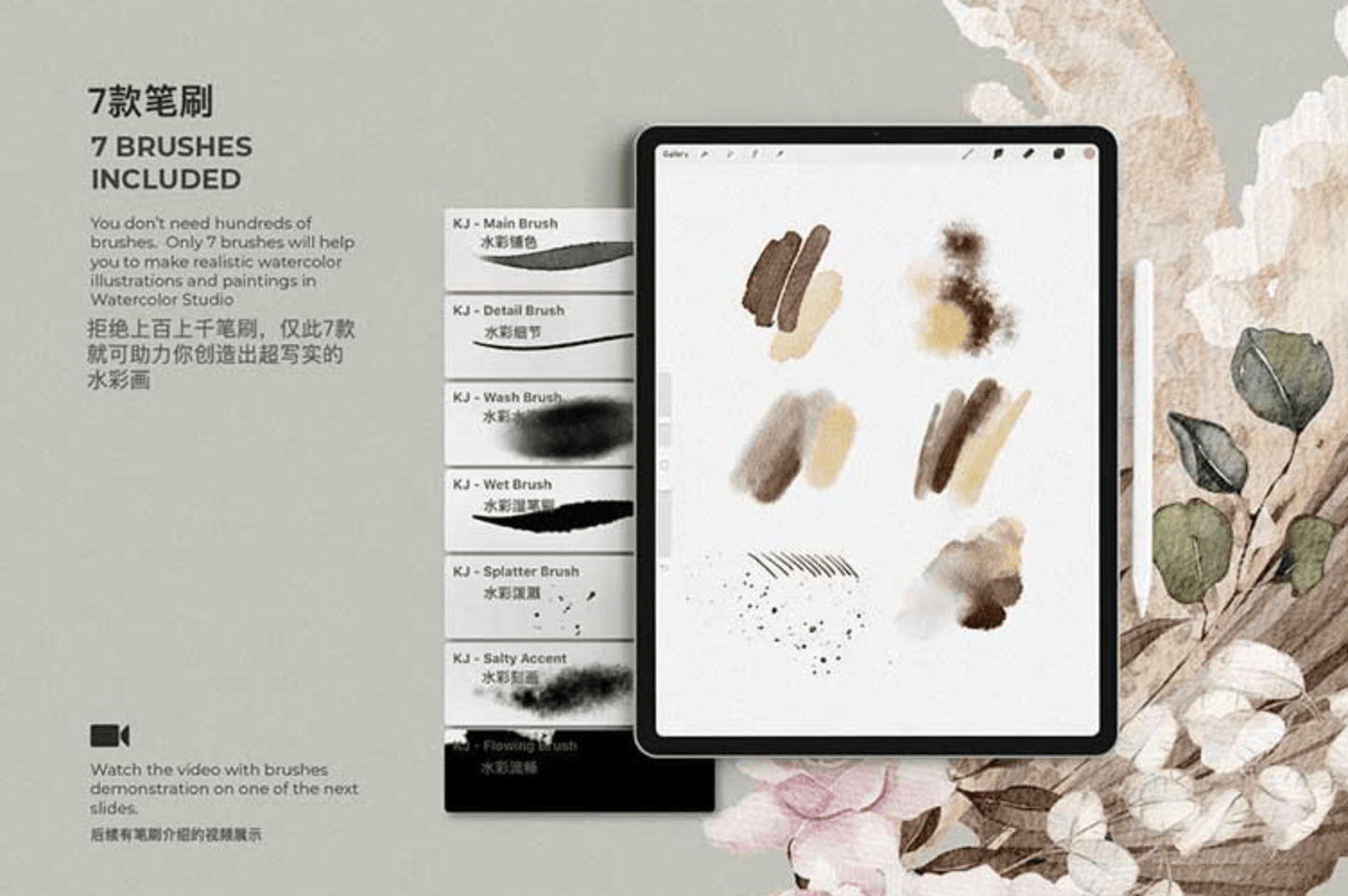
7 Procreate watercolor brushes (filename suffix is ​​.brushset)
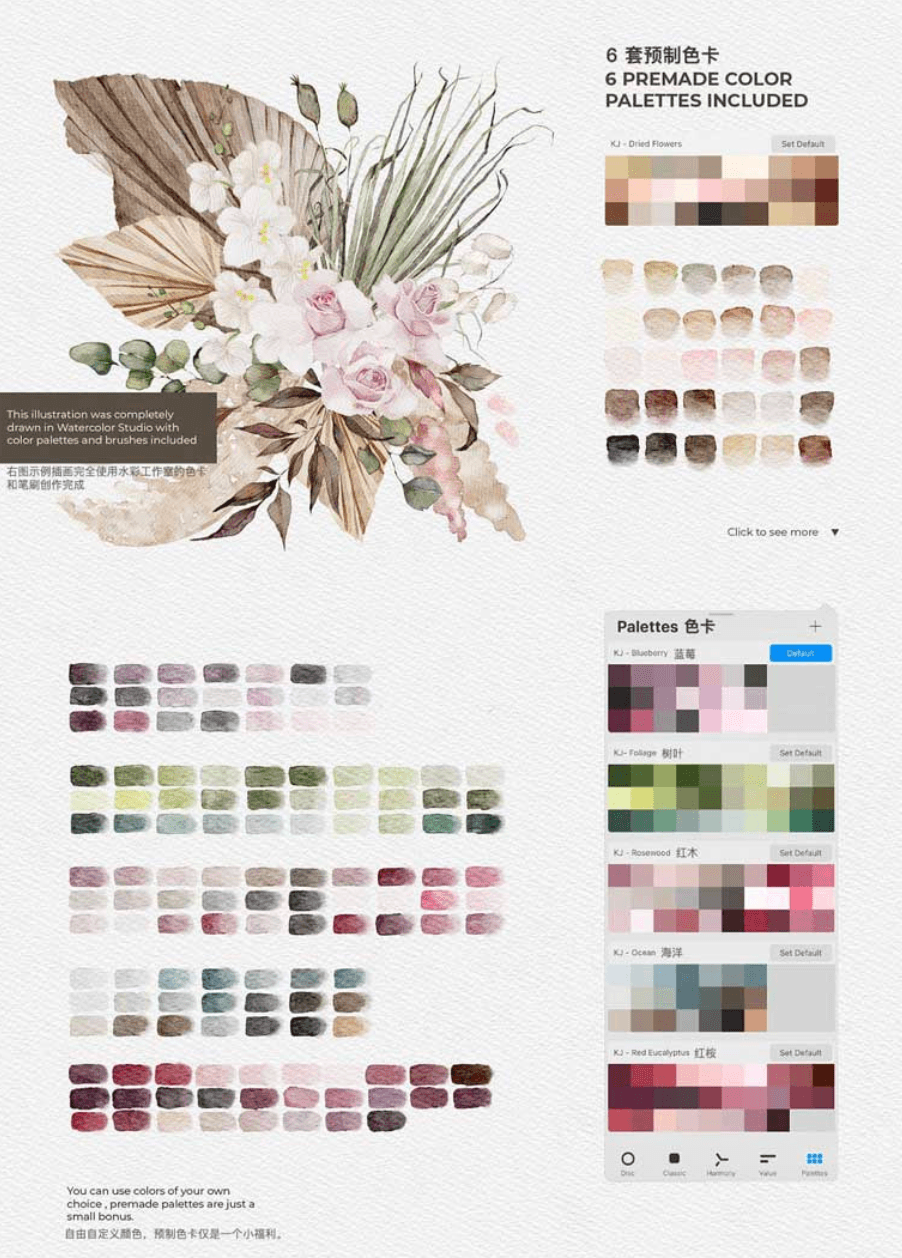
6 sets of color swatches (filename suffix is ​​.swatches)
PDF guide file
Guide file contents
Instructions on how to install and use this toolkit
Instructions on how to export a PNG file with a transparent background
Instructions on how to re-customize the canvas
Link to download a larger A2 canvas in pixels, inches or millimeters
Link to download an A2 canvas in CMYK color mode
Advice on how to print your work
For those new to Procreate drawing, I saved the sketches for these tutorials in a folder. You just need to import the sketch into one of the canvases and focus on the brushes. Follow the video tutorial step by step.
Installation
Make sure your iOS is updated and you have the latest version of the Procreate app - Procreate 5 and above.
Download the file and save it to a folder on your iPad. Inside the folder, you can find it as a zip file. Extract the file to the current folder.
After that, click on the brush, canvas and color swatch files one by one and they will be automatically imported into the Procreate app.
❗️This kit is only for Procreate app and works with Apple Pencil on iPad. It does not work with Adobe Photoshop or other software.

View full details
  • Website page download

    Select the product you want, click the download button, complete the form with your information, submit, and access your digital resource on the confirmation page.

  • Website email download

    Select the product you want, click Download, complete the form, and submit. Your download link will be sent to your email instantly.

  • Resource Library Download

    Become a permanent member and unlock unlimited one-click access to all Procreate brushes, design resources, and digital assets.

    Become a permanent member  
1 of 3

FAQ

How to get digital products after placing an order?

There is a download button on the successful order page. Click the download button to download it by yourself, or you can log in to your email account to view the download link of the digital product.

Do gift card members enjoy unlimited permanent downloads?

Yes, we reject the subscription system. Purchase a gift card membership to obtain codes, and use the codes to achieve unlimited and permanent free downloads.

How to obtain and use gift card deduction codes?

Purchase a gift card and get it from the member order success page; place an order for any digital product, enter the member code on the order settlement page to deduct the full amount and download it for free.

Why does my gift card membership show an amount? Isn't it permanent?

To prevent theft by criminals, when the membership amount of your gift card is less than 100, the system will automatically send you an email to replenish it. You can also send the giftcard to whaledesigner@outlook.com. The staff will send you the code after verifying the member's email address. If you have any questions, please feel free to contact us and we will handle it properly within 6 hours.