812 New Version Smudge Brushes Are Here
After completing your order, you will receive an email with a download link. You can also access your file at any time from your order confirmation page. The download will be available immediately.
Yes! All templates include a personal and commercial license for one user. You can use it for client presentations and work reports. Resale or redistribution of the file is prohibited.
Please click the "After-Sales Support" button on this page to contact us. We usually reply within 24 hours and ensure you receive the file.
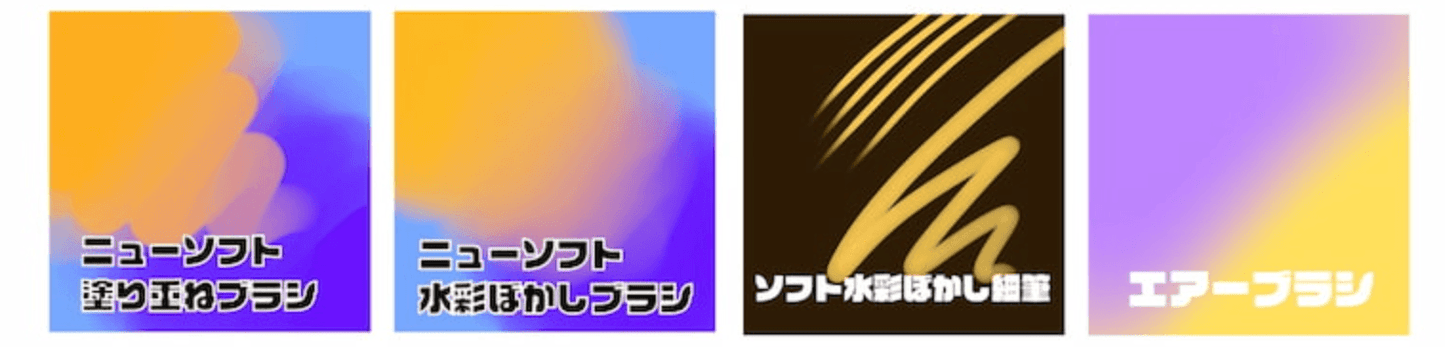
4 Soft Smudge Brushes
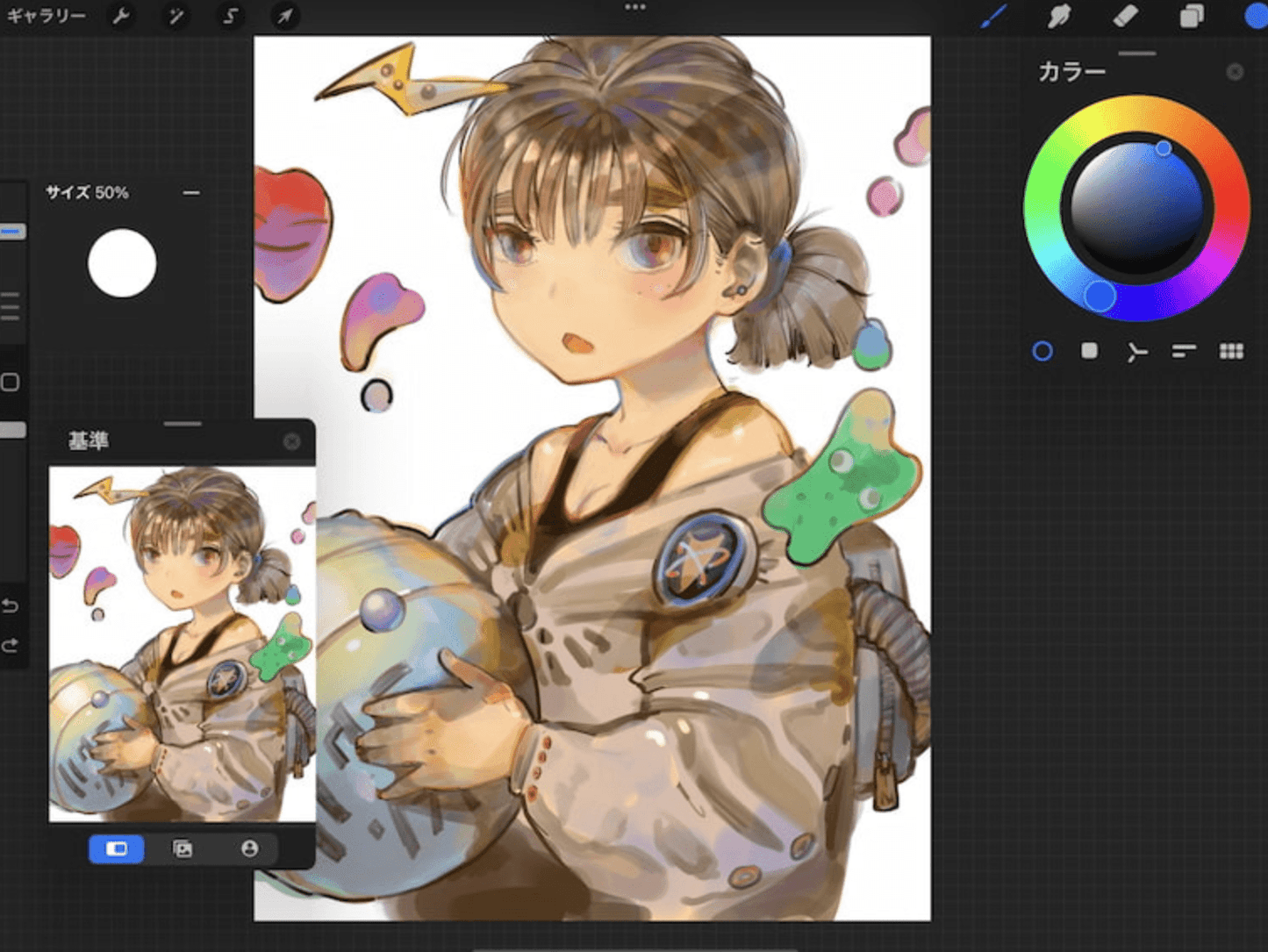
Custom brushes for Procreate on iPad. You can paint base colors or thickly paint illustrations. You can complete thick painting works with just this brush.
With the update of version 3.0 (May 2022), the settings for the adjustment of the paint overlap method and the new jitter correction are available. (Previous versions can also be downloaded.) Friends who are looking for smudge brushes, please try it.
It can only be used with Procreate 5.1 or later and Apple Pencil. Please download "Soft Brush 3.0" to use it. If you need an older version, please download version 1.1 or 2.0.
The released brushes are the same as version 2.0, including the following 4 brushes. The rendering settings of the "New Version" series have been changed. If you like the smudge of the old version, please continue to use version 2.0.
New smear overlapping brush | New Soft Paint Heavy Brush
New Watercolor Blur Brush | New Soft Watercolor Brush
New Soft Watercolor Blur Fine Brush | Soft Watercolor Brush Fine Brush
Air Brush | Air Brush
This is a set of very simple brushes for smearing and drawing. You can use your favorite line brush to draw the line drawing part, and smearing and color even transition can be completed with this set of brushes. Please enjoy painting with them.
🎯 Get this 1000+ Premium Templates with Whale Design Membership
Unlock unlimited access to Procreate brushes, PPT templates, and exclusive digital assets — one membership, everything included.